

 Reply With Quote
I think you will find your answer here ...
good luck![/url]


ok how do i change the boot screen, the one that has the penguin in the top corner and tells what harware drivers it is initializing and all that stuff
and also is there a way to make the user knoppix into somthing else
I think you will find your answer here ...
good luck![/url]
There are instructions there to change the logo.16 file, but not for the penguin.
Ideas?
- Ambrose
You have to patch the kernel source with a new logo then compile and install it. A guide to doing so with the procedure mentioned in the section 8.Originally Posted by matt_w_lambert
http://newbiedoc.sourceforge.net/system/kernel-pkg.html
No wonder the kernel is so big!
- Ambrose
yes you may change the screen as you wish.
but it should be a raw 4 bit picture. It is bit tricky. use Gimp to do that.
Any body needs to create there own boot screens , and what to learn
how to. may contact on my E-mail : [email protected]
Aziz.
 Posting Permissions


Samsung 860 PRO 2TB 2.5" SATA III V- NAND SSD MZ-76P2T0 86%-90% Health
$187.00
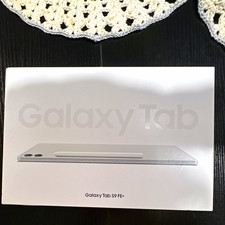
Samsung Galaxy Tab S9 FE+ 12.4" Wi‑Fi 128GB 8GB RAM Tablet Silver
$255.00

Samsung 24" S3 Essential IPS 100Hz Monitor | Sealed | Fast shipping
$50.00

Samsung Galaxy Tab Active 3/ 64 gig/WIFI
$85.00

RAM-HOL-SAM60CPU RAM USB-C Powered Dock for Samsung Tab Active5 - 3 - 2
$81.99

RAM-HOL-SAM52CPU RAM USB-C Powered Dock Samsung Tab Active4 Pro & Tab Active Pro
$81.99

Cell Phone Smartphone Computer repair banner poster sign iphone Samsung
$89.99

RAM-GDS-SKIN-SAM54-NG-1 RAM Mounts IntelliSkin® Next Gen for Samsung Tab Active4
$93.99
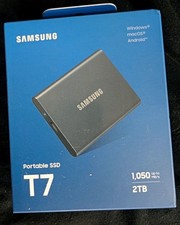
Samsung T7 Portable SSD (MU-PC2T0T) 2TB Gray USB-C
$252.00

Samsung 2.5" 870 EVO SSD SATA III 250GB 500GB 1TB Internet Solid State Drive Lot
$90.00
