

 Reply With Quote
You unplug your speakers


Does anyone know how I can disable the "initiating starting sequence" and "initiating shutdown sequence" sounds WITHOUT remastering the image?
I could imagine it could be done by replacing a file from /etc at startup time with knoppix.sh, but don't know how exactly it can be done. (Reason: I want to run Knoppix on my notebook in quiet areas but don't want to turn off sound completey...)
Thanks!
You unplug your speakers
Inside the notebookOriginally Posted by stonent
/etc/X11/Xsession.d/45xsession
lines 87 to 99
but not sure about doing that without remastering..
thanks a lot! couldn't I just overwrite that file before it gets executed?
you could try, maybe in a knoppix.sh file.
finally, I managed it:
first, I commented out the sound lines in 45xsession and xsession
second, I replace these files via knoppix.sh:
works perfect! (don't comment out the 'sleep 2' in the 45xsession)Code:# no startup sound rm -f /etc/X11/Xsession.d/45xsession cp /cdrom/KNOPPIX/45xsession /etc/X11/Xsession.d/ # no shutdown sound rm -f /etc/init.d/xsession cp /cdrom/KNOPPIX/xsession /etc/init.d/
Too bad there's no way to disable them without remastering the CD.
I love Knoppix. However, I always cringe when I'm demonstrating it on my portable, and the woman's voice booms out:"Startup sequence initiated," like some kind of Star Trek thing. And unfortunately, my volume controls don't work until you load an OS.
Hmm, maybe I should post a new topic about this. I doubt anyone would listen, but it's worth a try...
This is easy to do w/o remastering. Just do the following.
Boot into text modeRun xaumixCode:knoppix 2
Turn down the volume
Start X either with "startx" or "init 5"
The only disadvantage this has to the remastering option is that you have to repeat it, but then again you don't have to remaster.
Adam
I've not tried this but the thought is to use an awk/sed script in a knoppix.sh script to change those files mentioned earlier. You'd have to copy this to a floppy, usb dongle, or the systems HD but that would be it. You'd use the "knoppix myconfig=scan" boot codes but since theres no configs.tgz and just the knoppix.sh script, it's a quick boot and pretty much default.
You might be able to find the default audio volume file( from audio config setup ) and just create or change that to what it needs to be. It's the file created when you use the ControlCenter-Audio Settings.
It's not a "cheat code" only solution but should require just the knoppix.sh file.
 Posting Permissions


Vintage Apple Macintosh IIsi Computer, Monitor, Keyboard & Mouse Complete Setup
$199.99
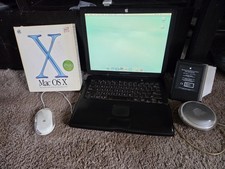
VINTAGE Apple PowerBook G3 Lombard M5343 400MHz 192MB Working Mac OS X Bundle
$299.00

Apple Mac OS9 Cloth Banner Think Different 64 x 24 inches NEW ORIGINAL Vintage
$99.99
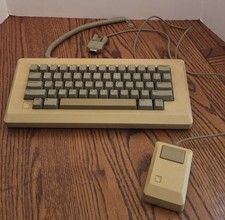
Vintage Apple Macintosh M0110 Keyboard with Coiled Cable & M0100 Mouse Bundle
$180.00
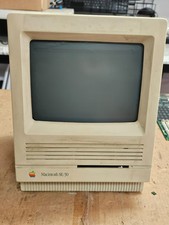
Vintage Apple Macintosh SE/30- Samsung CRT - Shell/Case Assembly Tech Special
$149.95
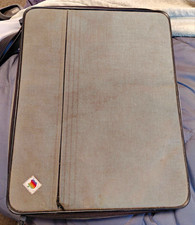
Apple Macintosh Portable Vintage Computer w/ Case, Power Adapter, Cable
$242.50
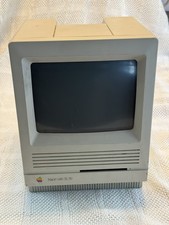
Vintage Apple Macintosh SE/30 M5119 Monitor Only Powers On For Parts Or Repair
$357.50
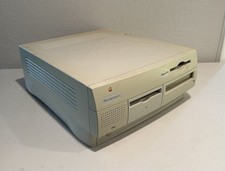
Vintage Apple Power Macintosh G3 M3979 Model Computer USED Untested
$99.98
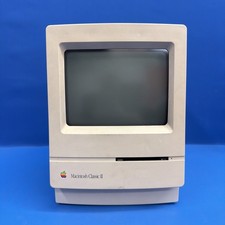
Vintage Apple Macintosh Classic II M4150 1991 Computer AS-IS Parts Repair
$149.00
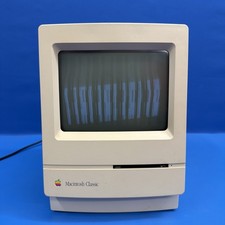
Macintosh Classic M1420 Apple Computer 1990 Vintage Powers On
$149.00