-
Junior Member
registered user
Thanks for replies to date. I eventually came across a previous thread that started me on the road.
Progress so far:
a) created a directory on hard disk(/mnt/hda1) called apache and copied config file into it - httpd.conf .
b) created a directory on hard disk - /mnt/hda1/website and put some html files in it
c) modified httpd.conf to use /mnt/hda1/website as root & document root. Also to send logs and other useful files to /mnt/hda1/apache
d) Go to alt+ctrl+F2 and type in
'su' to run as root
then simply
'apache -f/mnt/hda1/apache.httpd.conf' to use the config file
e) alt+ctrl+F5 to return to KDE and fire up browser to look at localhost. WOOHOO!!! it worked.
I am now working on getting php & mysql working. I think php is automatic and mysql needs to be started as 'mysqld'+parameters.
I will keep you all posted on progress
Similar Threads
-
By hall in forum Customising & Remastering
Replies: 0
Last Post: 04-11-2005, 10:27 AM
-
By tazzi in forum Customising & Remastering
Replies: 7
Last Post: 01-26-2004, 12:29 AM
-
By rubis in forum General Support
Replies: 14
Last Post: 11-26-2003, 04:44 PM
-
By pilovis in forum General Support
Replies: 2
Last Post: 03-28-2003, 09:17 PM
-
By TheSovereign in forum Customising & Remastering
Replies: 2
Last Post: 02-11-2003, 12:53 AM
 Posting Permissions
- You may not post new threads
- You may not post replies
- You may not post attachments
- You may not edit your posts
-
Forum Rules


Vintage Timbuk2 Crossbody Messenger Bag Forest Green/ Black Y2k USA Made
$85.00

Vintage Jetway J-620BF Socket 370 Celeron AT Motherboard SiS 620 Brand New
$75.00

Vintage Computer - PC Innovation Intel 486DX2 - Dos Ver 6.2 Windows 3.1
$250.00

Vintage HP Hewlett Packard 2112A 21MX 1000 M-Series 16-Bit Minicomputer
$419.99

Vintage Cherry W. Germany G80-0486H/05 Mechanical 25-Pin D-Sub Keyboard M8
$170.99

Vintage cross Apple computer branded pen rainbow logo In original box
$100.00
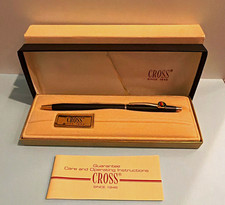
Vintage Apple computer Cross Metal Ballpoint Pen Black Ink Gold Trim
$125.00
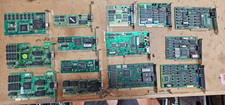
Lot 14 Vintage ISA VGA Video Cards Trident CHIPS UMC 8-Bit 16-Bit 286 386 486
$199.95
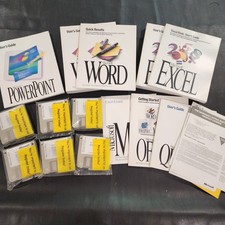
Vintage Microsoft Office 4.2 for Windows Original Floppy Disks & Manuals 1994
$119.99
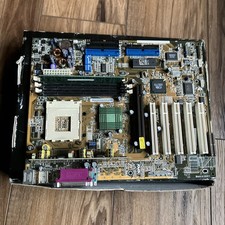
ASUS A7V333 Vintage Motherboard | Untested | For Parts
$44.89



 Reply With Quote