

 Reply With Quote
At the extreme left. (The "help bubble" says: Start Applications).


Hi room!
I have just installed knoppix 3.3 in my laptop. Everything works fine but I do not find the k menu icon my desktop.
Where is it? How can I get it?
Thanks
Fab
At the extreme left. (The "help bubble" says: Start Applications).
Fab,
I hope you aren't saying that you don't have the KMenu, just that you can't find it on your desktop...
The "KMenu" is the same, in the Windows World, as the "Start Menu".
It is, most likely, always found at the bottom of the screen, and to the far left. Just like, in most all Graphical User Interfaces, GUI's, that the clock can be found on the bottom of the screen, and to the far right.
Again, I hope all you needed was to find where your KMenu is/was, and that the literal meaning of your post is NOT that a KMenu is not on your desktop. That one could be difficult.
Hope this helps,
Cuddles
 Posting Permissions


Fanxiang 1/2/5/10Pcs 2.5'' SATA SSD Lot 1TB 2TB 4TB 512GB 256GB TLC Internal SSD
$438.98

SSD 880EVO SATA III 2.5 4TB INTERNAL STATE DRIVE
$214.99

M2 2280 PCIe 4.0 solid-state drive high-speed storage device 1080P RO 2TB NGFF
$99.00

Samsung 860 EVO 250GB SSD MZ-76E250 2.5" SATA III Solid State Drive
$39.99

M.2 SATA SSD 2280 128GB 256GB 512GB major brands | Very Good health
$35.99

2 PACK 128 GB SSD M.2 2280 SATA Solid State Drive Major Brands, Samsung, LiteON
$28.80

Crucial MX500 500GB 2.5" SATA III Internal SSD CT500MX500SSD1
$63.99
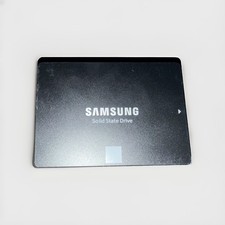
Samsung 850 EVO 1TB SATA III Internal, 2.5 inch Solid State Non Tested 1TB
$75.00
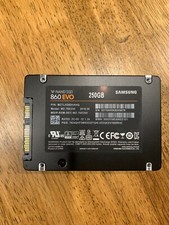
Samsung 860 Evo 250GB MZ-76E250 - Internal 2.5 inch SSD
$39.50
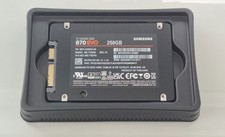
Samsung 860 Evo 250GB MZ-77E2T0 - Internal 2.5 inch SSD
$55.00