

 Reply With Quote
You need to do it in the BIOS...but don't be afraid of the BIOS settings. Just look for the onboard video controller, or something similar and choose disable. It won't hurt your computer.


... i'm a linux newbie ... but i'm quite sure what my problem is....
my mother board has an ATI graphic card.... but i'm currently using another graphic card (Nvidia) .... but the auto detect keep detecting my ATI graphic card .. and i cannot remove it as it is part of the mother board...
anyway to manual set it to my current Nvidia graphic card?
heard something about disabling it in BIOS ...but i have BIO-phobia.... :P
thanks in advance
p/s : i'm trying knoppix before i get an actual linux distro :P
You need to do it in the BIOS...but don't be afraid of the BIOS settings. Just look for the onboard video controller, or something similar and choose disable. It won't hurt your computer.
Disabling it in the BIOS is easiest way I know. It's probably easy to find. Look for something like Disable on-board video and select it. You won't break anything. If you plan on getting into Linux you'll be doing a lot more dangerous things than this.
oh, okay...... thanks for your reply
 Posting Permissions

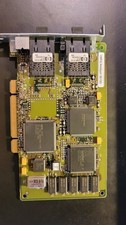
Compaq 242506-001 Netelligent 100 FDDI DAS Fiber SC PCI Network Adapter Vintage
$249.00

Vintage HP 21MX 1000 M-Series Minicomputer Chassis Backplane Parts AS-IS
$228.19
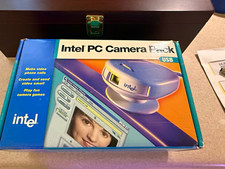
Vintage Intel PC Camera Pack USB CICP3 825118 NOS Open Box Complete 2000
$39.99

Lot of 2 Vintage Plextor PX-43CS SCSI CD-ROM Caddy Drives + 4 Caddies Used
$55.99
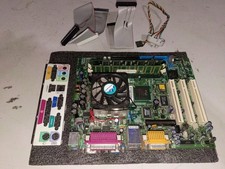
vintage Motherboard Socket 370 with Celeron 1.30 Ghz 256MB
$62.99
Vintage Computer Peripherals Inc. Ramsack III ISA Memory Expansion 16bit 8 SIMM
$85.00

Original Vintage Old Style STANDARD Black CD Jewel Case (Heavy Duty) 90g Lot
$316.95
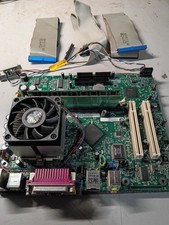
vintage Gateway motherboard, socket 370 1ghz cpu, 256mb ram, cables, power switc
$62.99
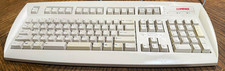
Vintage Compaq PS/2 Keyboard RT7A56TW 237743-301 Beige Tested Working
$24.99

Vintage Teac FD-505 5.25" 3.5" Combo Drive 19307571-00
$199.99