

 Reply With Quote
Try "fb800x600" at boot prompt (not "knoppix fb800x600").
Good luck.


Knoppix runs and loads completely, I can use linux as though it was installed when I run knoppix with 'knoppix 2'. However, when I try to run X11, all I see is a blank screen.
I have tried almost every 'cheat code' I could find in the forums.
noapm, noddc, noapci, xmodule=vesa, etc
Knoppix does seem to configure itself properly also. It auto configures my hardware properly.
My hardware:
Intel Pentium 2.6 GHz
ATI Radion 9800 Pro
Running Windows XP
Thanks for any help or suggestions you can offer.
Try "fb800x600" at boot prompt (not "knoppix fb800x600").
Good luck.
Typing "fb800x600" at the boot prompt worked for me. I have the following:
ATI Radeon 9600 pro
P4 2.8GHz, HT enabled
Gigabyte 8IK1100 motherboard
So the question is how to do I configure Knoppix correctly so I can use it at my native 1280x1024 resolution? Do I need a driver?
 Posting Permissions

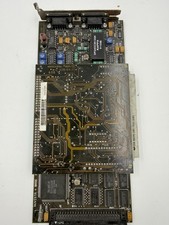
Vintage Truevision NuVista+ NuBus Video Capture Card DIN-96CCPC-SR1 3091
$450.00
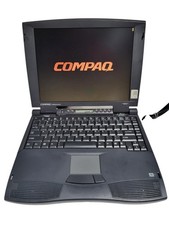
Compaq Presario 1640 Laptop HP 2940A Vintage Computer, Power Supply and mouse
$159.95
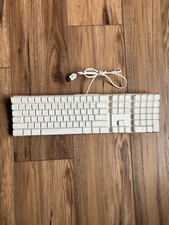
Vintage Apple Mac A1048 White Wired Full Size Keyboard w/ 2 USB Ports TESTED
$22.89
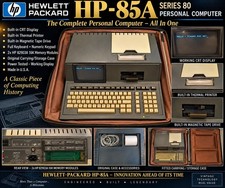
Vintage HP-85A Series 80 Computer Hewlett Packard Working Powers On + Case RAM
$275.00
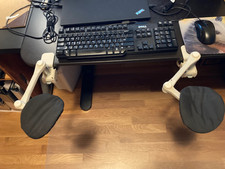
Vintage DataArm RBX Ergonomic Computer Arm Supports Desk Mount Pair Wrist Rests
$99.99
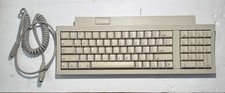
Vintage 1991 Apple Keyboard II M0487 ADB Rare
$45.00
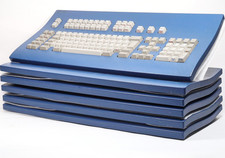
Vintage Chyron Duet Keyboard Modules - Private Listing for Kris
$269.99
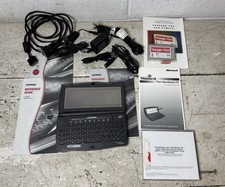
Vintage Compaq 2930A Handheld Computer PC Software Accessories Voyager VGA
$199.95
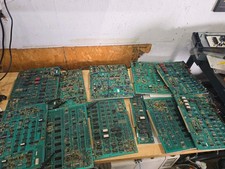
Vintage Ampex Chip Boards Memory Processor Other
$299.99

Vintage Teac FD-505 5.25" 3.5" Combo Drive 19307571-00
$199.99