-
You need to run some console commands.. I you're not familiar with console, well, It's time to learn. To get console click in one of the icons in the task bar: looks like an computer screen with a shell on top. Then, it launches an screen with a prompt, something like "knoppix#_". There you have to invoke the script who launchs apache. Type (extractet from another post)
sudo /etc/init.d/apache start
To get mysql working, type:
sudo /etc/init.d/mysql start
(if you want it to autostart on boot; just add a file /KNOPPIX/knoppix.sh to the Knoppix ISO like this:
#!/bin/bash
sudo /etc/init.d/apache start
sudo /etc/init.d/mysql start
and burn it.)
You can get more information in this discussions:
http://www.knoppix.net/forum/viewtopic.php?t=7609
http://www.knoppix.net/forum/viewtopic.php?p=35307
Similar Threads
-
By Antoine in forum Hardware & Booting
Replies: 2
Last Post: 04-11-2005, 02:26 PM
-
By Rod F. in forum Hdd Install / Debian / Apt
Replies: 2
Last Post: 03-02-2004, 04:04 AM
-
By hnash53 in forum Hardware & Booting
Replies: 3
Last Post: 12-09-2003, 02:33 PM
-
By Coume in forum Laptops
Replies: 1
Last Post: 08-25-2003, 04:47 PM
-
By ktheking in forum Customising & Remastering
Replies: 0
Last Post: 03-30-2003, 11:51 PM
 Posting Permissions
- You may not post new threads
- You may not post replies
- You may not post attachments
- You may not edit your posts
-
Forum Rules

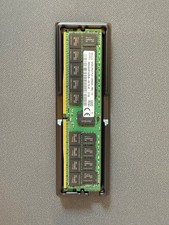
HYNIX 64GB (1X64GB) 2RX4 PC4-3200AA DDR4 SERVER MEMORY
$600.00
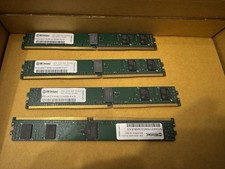
32GB Kit 4x8GB Wintec DDR4-2133 ECC RDIMM VLP Server RAM
$80.00

TF/SD Card Adapter Camera Reader Android Type-c For iPhone17 Pro Max Plusm lot
$288.19

Dell 16GB PC4-21300 (DDR4-2666) Memory (SNPPWR5TC16G)
$89.99
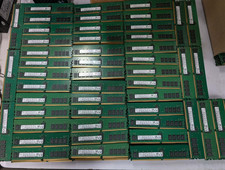
Lot 100 SK hynix 16GB 2Rx8 PC4-23400 DDR4-2933Y ECC Reg Server Memory RDIMM RAM
$8599.00
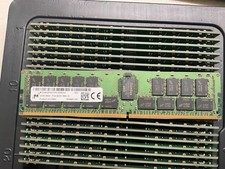
MTA36ASF4G72PZ-2G9E2 MICRON 32GB (1X32GB) 2RX4 PC4-2933Y MEMORY
$229.00

Kingston 32GB 64GB 128GB 256GB USB 3.0 Flash Drive Thumb Memory Stick Pen lot
$285.90
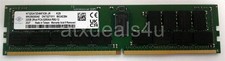
Nanya NT32GA72D4NFX3K-JR 32GB 2Rx4 PC4-3200AA K25 DDR4 RDIMM RAM Server Memory
$199.99

SMART(Micron)SafeStor 32GB(1X32GB) 1RX4 NN4-3200AA(DDR4) HPE Server Memory
$159.98
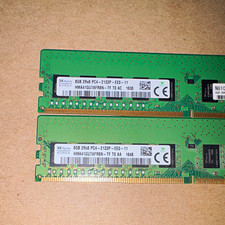
SK hynix 16GB (2x8GB) DDR4 SDRAM PC4-2133P 288-Pin DIMM HMA41GU7AFR8N-TF
$65.00



 Reply With Quote