

 Reply With Quote
CLOSED:
I deleted the hidden kde folder and the File open went back to normal.


Question: How to reset all "Store windows Setting". Where is this info
stored?
More info:
Something wierd has happened. I had a second hd installed. I shut down and removed the hd. I made sure it was not mentioned in fstab and everthing seemed normal.
BUT:
When I say open in kwrite or most other programs, the file open dialog
is maximized and no content is shown. Besides that the mouse is very jumpy/laggy and it appears that the window sort of hangs without
every getting around to function.
I tried to clear the sesson, change theme and fiddle with all the setup
regarding windows in the hope that it would reset or something.
I even did the Windows trick = reboot, but to no avail.
Even if I resize the windew/dialog to a much smaller area, it still doesnt
function at all.
Any of you that might have seen this thing before or know how to fix it?
I forgot to mention. This is a hd installed version. It has worked
flawlessly for weeks. I have not installed or fiddled with anything.
Thanks.
CLOSED:
I deleted the hidden kde folder and the File open went back to normal.
 Posting Permissions

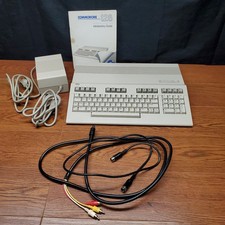
Commodore 128 In Box & Original Power Supply & Intro Guide
$200.00

Commodore VIC-20 Diagnostic Cartridge & Test Harness Set - USA seller
$39.99

Commodore OS Vision 3.0 | Bootable USB Install | Linux Gaming OS
$24.99

Commodore OS USB | Bootable LIVE + Install | The Ultimate Gaming Linux OS | NEW
$11.99
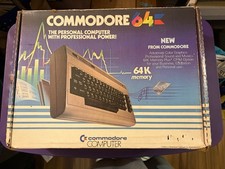
Commodore 64 Personal Computer w Power Supply-TV Hookup-Paperwork-Original Box
$139.00
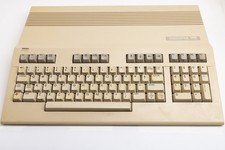
Vintage Commodore 128 Computer Powers On Not Tested with Power Supply
$169.99
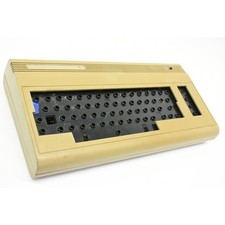
Vintage C64 Commodore 64 Computer Console For Parts or Repair - Basketcase Unit
$49.99
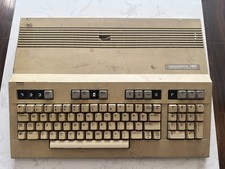
Commodore 128 Vintage Computer Not Working No Power Damage READ
$129.00
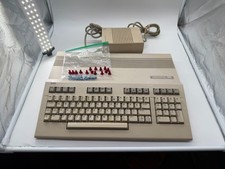
Commodore C128 Comp w/ Original Box TESTED & WORKING + Original & PETG Key Plung
$260.98

Commodore 64 Dead Test & Diagnostic Cartridge & Test Harness Set - USA seller
$39.99