-
Knoppix Hardware Autodetection on HDD Install
Goodmorning everyone,
I couldnt help but notice the boot up from the knoppix cd to the hdd install has changed. Seems like the very stringent HD detection is now bye-bye. Is there any easy way to keep this HDD detection going on the HDD install and not simply by just mirroring the CDROM onto the HD, but going through the HD install?
I do like the hardware detection of Knoppix and would like to keep it in the HDD install, especially for when I use a mirrored version of knoppix from one "master" HD.
--j2
-
Senior Member
registered user
yes (I think so). when you install Knoppix to hdd ("sudo knoppix-installer"), you have to choose the installation type between "debian" and "knoppix". If you choose "knoppix" you keep the hardware detection.
-
Senior Member
registered user
knoppix installation vs. Debian choice
Hi I noticed that too to a much lesser degree....I originally chose the Knoppix installation over Debian, but I had alot of trouble with passwords. I could'nt get in as root. and there were some other very minor things. I re did installation and chose Debian this time and i did have to play around with some things, namely the cdrom....but other than that its great. bob
Similar Threads
-
By jago25_98 in forum General Support
Replies: 0
Last Post: 10-30-2004, 12:01 AM
-
By RJDavison in forum Hardware & Booting
Replies: 0
Last Post: 07-01-2004, 01:19 PM
-
By pietromenna in forum Hardware & Booting
Replies: 0
Last Post: 06-21-2004, 01:09 AM
-
By benlau in forum Customising & Remastering
Replies: 6
Last Post: 05-11-2004, 06:54 AM
-
By Waylander in forum General Support
Replies: 5
Last Post: 10-09-2003, 03:10 AM
 Posting Permissions
- You may not post new threads
- You may not post replies
- You may not post attachments
- You may not edit your posts
-
Forum Rules


Lot of 3 VIntage Apple Computer Rainbow Logo Sticker Decal Macintosh 1980s NOS
$7.00
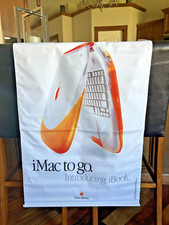
Vintage NOS Apple iBook Two Sided Cloth Banner Think Different
$99.99
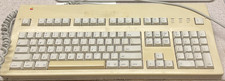
Apple Keyboard Vintage M3501
$50.00
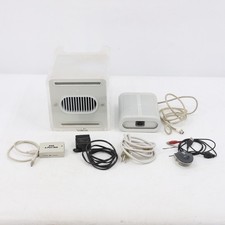
Vintage Apple Power Mac G4 Cube M7886 2000 450MHz 128MB RAM 20GB HD
$299.99
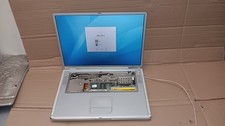
Vintage Apple PowerBook G4 Titanium Laptop 800 MHz 60 GB HD 15" LCD Screen A1001
$79.99

Vintage Apple USB Mouse M4848 Bondi Blue iMac G3 Hockey Puck - Tested Working
$22.99
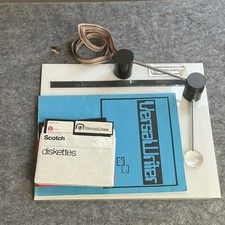
Apple II Versa Computing, Inc. Vintage VersaWriter Reference Manual w/ Diskettes
$199.00
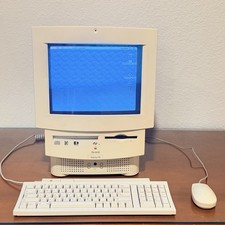
Vintage Apple Macintosh Performa 560 Money Magazine Edition w/ Box Tested Works
$1394.07

Vintage 1988 Apple Macintosh Plus 1MB M0001A Computer Keyboard WORKING See Video
$225.00

Apple cloth fabric banner iBook tangerine orange New Old Stock Vintage
$99.00



 Reply With Quote