

 Reply With Quote
The default situation after a hd install won't allow you to sudo though so you probably should do:Code:sudo hdparm /dev/hda
Code:su hdparm /dev/hda


1st, I have a HD install of Knoppix
I noticed on bootup it said something about PIO mode 33 use DMA=xx or something like that. . .
I just wondered id anyone knew how to check my hardrive's DMA modes. . .
Thanx
The default situation after a hd install won't allow you to sudo though so you probably should do:Code:sudo hdparm /dev/hda
Code:su hdparm /dev/hda
thanx for the quick reply
they both worked and DMA says it's on
I don;t see anything about the access mode :(
So how can I know if DMA is on?Code:root@Knoppix:/home/christopher# hdparm /dev/sda /dev/sda: readonly = 0 (off) geometry = 39083/64/32, sectors = 80043264, start = 0
SCSI drives do not need DMA enabled the controller it connects through takes care of the speed of the connection.Originally Posted by c123
Thought this might be the case after posting; thanks for the confirmation.
 Posting Permissions


Yealink T48S VoIP/SIP Phone, 2 x Gigabit Ports PoE 7" Color SIP-T48S | TESTED
$34.95

SIM Bank 32 SIM Card Slots Ethernet SIM Server for GoIP
$600.00

Grandstream WP810 Portable Cordless Wi-Fi IP Phone
$49.28
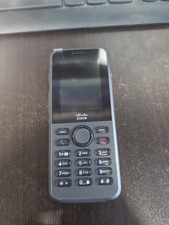
Cisco CP-8821-K9-BUN Unified Wireless IP Phone 8821 New
$298.69

Cisco / Linksys SPA2102 VoIP 2FXS Phone Adapter with Router (unlocked)
$18.99

Cisco/Linksys SPA2102 VoIP Phone Adapter Router 2FXS (Unlocked)
$17.99
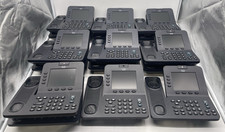
Lot of 16 VOIP IP Telephone Cisco Office Video Phone CP-8945
$239.99
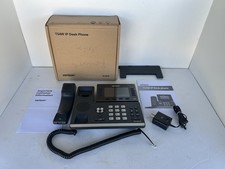
Verizon Yealink T54W IP Desk Phone Business VoIP Telephone New Open Box
$49.97

Poly CCX 400 Desktop Business Media Phone VoIP 2200-49700-019
$49.99

Cisco CP-8841 IP Phone Charcoal Handset And Stand Included
$27.99
