

 Reply With Quote
The default situation after a hd install won't allow you to sudo though so you probably should do:Code:sudo hdparm /dev/hda
Code:su hdparm /dev/hda


1st, I have a HD install of Knoppix
I noticed on bootup it said something about PIO mode 33 use DMA=xx or something like that. . .
I just wondered id anyone knew how to check my hardrive's DMA modes. . .
Thanx
The default situation after a hd install won't allow you to sudo though so you probably should do:Code:sudo hdparm /dev/hda
Code:su hdparm /dev/hda
thanx for the quick reply
they both worked and DMA says it's on
I don;t see anything about the access mode :(
So how can I know if DMA is on?Code:root@Knoppix:/home/christopher# hdparm /dev/sda /dev/sda: readonly = 0 (off) geometry = 39083/64/32, sectors = 80043264, start = 0
SCSI drives do not need DMA enabled the controller it connects through takes care of the speed of the connection.Originally Posted by c123
Thought this might be the case after posting; thanks for the confirmation.
 Posting Permissions

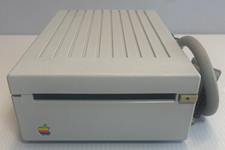
VINTAGE Apple 3.5 Drive External 3½" Floppy Drive DB-19 Beige | P/N A9M0106
$159.00
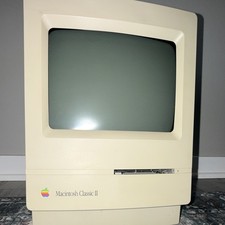
Apple Macintosh Classic II M4150 Vintage All-In-One Home Computer
$95.00

Vintage Apple USB Mouse M4848 Bondi Blue iMac G3 Hockey Puck - Tested Working
$22.99
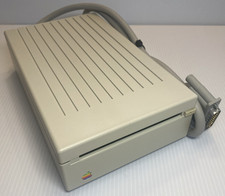
VINTAGE Apple 3.5 Drive External 3½" Floppy Drive DB-19 Beige | P/N A9M0106
$159.00
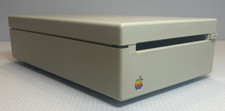
VINTAGE Apple 3.5 Drive External 3½" Floppy Drive DB-19 Beige | P/N A9M0106
$159.00
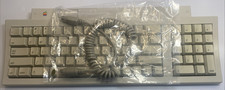
Apple Keyboard M0487 Macintosh IIgs ADB Keyboard Vintage Tested w/ Coiled Cable
$129.00
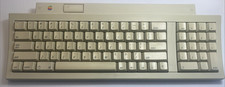
Apple Keyboard M0487 Macintosh IIgs ADB Keyboard Vintage Tested w/ Coiled Cable
$129.00
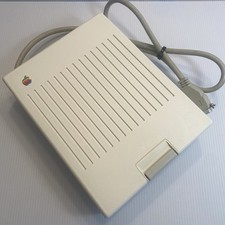
Apple Disk IIc A2M4050 5.25" External Drive | Cleaned & Tested | Vintage Apple
$119.00

Apple cloth fabric banner iBook tangerine orange New Old Stock Vintage
$99.00

Vintage Apple Color RGB Color Monitor A2M6014. Used.
$199.99
