

 Reply With Quote
The default situation after a hd install won't allow you to sudo though so you probably should do:Code:sudo hdparm /dev/hda
Code:su hdparm /dev/hda


1st, I have a HD install of Knoppix
I noticed on bootup it said something about PIO mode 33 use DMA=xx or something like that. . .
I just wondered id anyone knew how to check my hardrive's DMA modes. . .
Thanx
The default situation after a hd install won't allow you to sudo though so you probably should do:Code:sudo hdparm /dev/hda
Code:su hdparm /dev/hda
thanx for the quick reply
they both worked and DMA says it's on
I don;t see anything about the access mode :(
So how can I know if DMA is on?Code:root@Knoppix:/home/christopher# hdparm /dev/sda /dev/sda: readonly = 0 (off) geometry = 39083/64/32, sectors = 80043264, start = 0
SCSI drives do not need DMA enabled the controller it connects through takes care of the speed of the connection.Originally Posted by c123
Thought this might be the case after posting; thanks for the confirmation.
 Posting Permissions

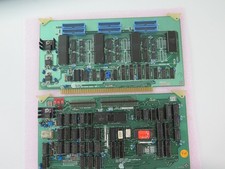
Vintage Rare California Computer Systems Boards for Altair IMSAI S-100 Systems
$345.00
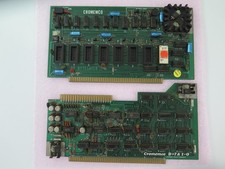
Vintage Rare Cromemco Boards for Altair IMSAI S-100 Systems
$245.00
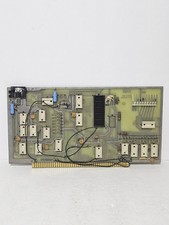
MITS 88 SIOB Serial-TT, An Single Serial I/O Port S-100Board For the Altair 8800
$189.95
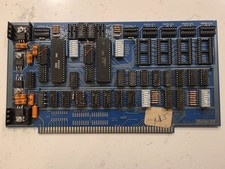
SSM IO-4 S100 I/O Interface Board 2-Serial 2-Parallel Altair IMSAI Untested
$119.99
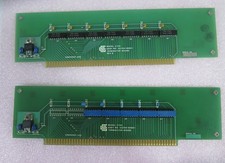
Vintage California Computer Systems Boards for S-100 Terminiator Cards
$145.00
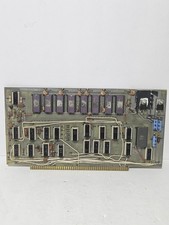
$675.00
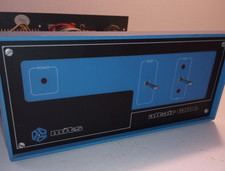
MITS ALTAIR 680b Turnkey Computer
$2550.00
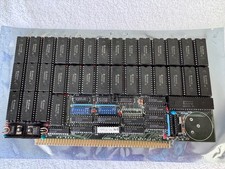
Vintage Octagon 256K Static RAM (32 x HM6264LP-12) Board S-100 Altair IMSAI
$150.00

CP/M 86 1.1R 8086 Highmonitor 8 Inch Floppy Diskette 80s IMSAI Altair
$29.99

ALTAIR Bitcoin Mining Solutions PDU IEC SERIES 100-250V 30A/24A Power Distribute
$99.00
