-
Senior Member
registered user
Oh I get it!
Make a note of all the TCP/IP settings that windows uses to work with DSL, IP, subnet mask and all that sort of stuff, then when you are booted back into knoppix, use netcardconfig and fill those values in as it prompts you. If it doesn't prompt you, then the knoppix autodetect hasn't recognised your DSL connection, I have no experience of DSL.
The internet box I have is connected to USB and knoppix just basically worked, I think this is because of a module called CDCEther
Stu.....
Similar Threads
-
By TheSpider in forum General Support
Replies: 13
Last Post: 01-13-2005, 11:22 PM
-
By ollisoft in forum General Support
Replies: 3
Last Post: 12-18-2003, 03:44 AM
 Posting Permissions
- You may not post new threads
- You may not post replies
- You may not post attachments
- You may not edit your posts
-
Forum Rules


Yealink T48S VoIP/SIP Phone, 2 x Gigabit Ports PoE 7" Color SIP-T48S | TESTED
$34.95

Grandstream VoIP Phone Adapter ATA 1-Line Black Ethernet (RJ-45) Micro USB
$27.07

Cisco 8861 Gigabit IP Phone Phone 5-line business-class VoIP Wifi Bluetooth
$39.99

Grandstream WP810 Portable Cordless Wi-Fi IP Phone
$49.28
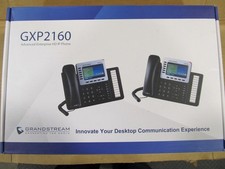
Grandstream GXP2160 Enterprise HD 6 Line VoIP Phone - Black
$90.00

Cisco / Linksys SPA2102 VoIP 2FXS Phone Adapter with Router (unlocked)
$18.99

Cisco/Linksys SPA2102 VoIP Phone Adapter Router 2FXS (Unlocked)
$17.99
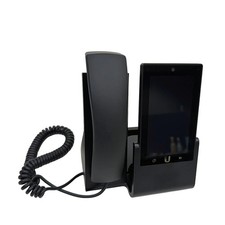
UBIQUITI UVP-TOUCH VoIP Desktop Touchscreen Smart Phone
$55.00

Poly CCX 400 Desktop Business Media Phone VoIP 2200-49700-019
$49.99
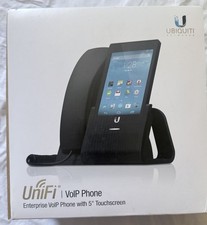
Ubiquiti UniFi VoIP UVP
$85.00



 Reply With Quote