

 Reply With Quote
Try this link at the Linux Documentation Project it might help.


O.k, I spent 40 minutes like a good Linux newbie and have researched the discussions and databases on Winmodems. After all of that, I see there is a 60/40 chance what I have is Winmodem only.
Here's what I've got: HCF 56k PCI, Supra Diamond Multimedia, with a Conexant chip set. My Knoppix error again, is "KPPP cannot find /dev/modem"
IF this is a Winmodem only, any recommendations on a known internal Linux friendly modem? And by switching to it, will it effect Win2k server since I'll be using that primarily until I get all the bugs worked out on my Knoppix?
Thank you in advance for any help/suggestions. I am SO looking forward to weening off of Windows for good.
Zeus916
Try this link at the Linux Documentation Project it might help.
The HCF is definitely a Winmodem, you can get a driver for it and it does work for me in two other distros but so far not in Knoppix.
The problem comes in compiling the driver in that it can't find the gcc listed in /proc/version, I've tried pointing it to gcc but no luck yet.
Try a Google search for drivers, as far as I know there is only one at www.mbsi.ca. I think there is a binary available too.
As far as new modems that work with linux (and other OS's) there are a handful of pci hardware modems that work with linux, but almost all pci modems require some "fiddling around" to get them to work as most use a non-standard COM port by default. I've used the action-tek call-waiting pci modem, on a dual boot system, I cheated, I set the modem up in windows 98 and then reassigned it to COM2 (instead of COM5) then it was very easy to get it to work in linux. Go to the following page for info on linux compatable modems (modems with a green box with OK on the left work in linux):
**http://www.idir.net/~gromitkc/winmodem.html
If you run from CD a pci modem that you have to set up will be a pain, if you do a hd install it wouldn't be so bad. Another option is an external modem, most external modems are hardware modems and should be easy to get up and running, I've used both 3Com and Zoom external modems with linux.
HTH
rock
I appreciate the advice. In the near future I'm building a new machine, which will be my Linus box <HD install, compatible modem, etc>. What I'm using now is partitioned to NTFS so I'm running Knoppix from a CD.
I noticed after making numerous adjustments to the preferences, and even after saving it to floppy, that Knoppix doesn't recognize it during the boot process. I've included it in the command line, along with various other codes.
Is there a terminal window, or something similar that I can load previously saved settings so I'm not making the same adjustments each login? And is there a way to save it to the CD, rather than the floppy disk if I want to make these changes more permanent?
Thanks again to all who replied.
 Posting Permissions

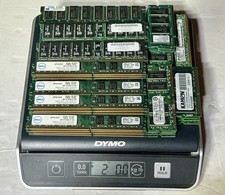
2.0 LBS Vintage Scrap Memory RAM FOR Gold Recovery PC & SERVER RAM UNSHIELDED
$110.00

Ast Advantage Adventure 4050D Vintage Retro Computer Great Condition
$199.99
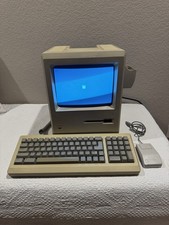
Apple Macintosh Plus 1Mb Vintage Desktop Computer w/ Keyboard & Mouse
$350.00

Vintage Computer Keyboard Northgate OMNIKEY Ultra
$120.00
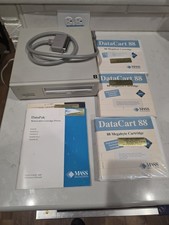
Vintage Mass Microsystems DataPak 88MB Removable External SCSI Hard Drive...
$149.99
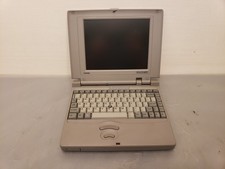
Vintage Toshiba T3600CT Mini Laptop 486DX2-50, 8MB **NO POST, AS-IS
$100.00
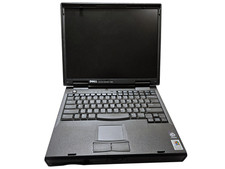
Vintage Dell Inspiron 7500 15" Pentium II 400MHz 128MB 4.8GB Windows 2000 Pro
$59.00
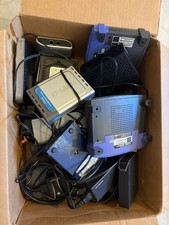
15pc Vintage Networking Electronics Lot Netgear Linksys D-Link Roku Untested
$85.00

Vintage HP 21MX 1000 M-Series Minicomputer Chassis Backplane Parts AS-IS
$228.19

Vintage 1983 Commodore 1702 Color Video CRT Monitor. Tested.
$350.00