-
My muvo^2 is a 4GB one; however, to mount it:
0- boot knoppix 3.4 with kernel 2.6 (type knoppix26 at boot)
1- become root (type su)
2- choose (or create) a directory where to mount it; e.g. /mnt/muvo
3- type mount /dev/sdb /mnt/muvo: it should work.
Actually, there is a critical point: on my linux box I have muvo on /dev/sdb but on yours this may be different. Try using QTparted (included in knoppix 3.4) to see what's the right device name to use.
I have a question, also. I cannot make kernel 2.6.3 recognise muvo at boot, so it's no use storing configs.tbz on it; has anybody worked this out?
Similar Threads
-
By austinite in forum Tips and Tricks
Replies: 7
Last Post: 01-04-2006, 04:56 AM
-
By scoldingice in forum Hardware & Booting
Replies: 1
Last Post: 07-27-2005, 10:19 PM
-
By amiskwia in forum Hardware & Booting
Replies: 0
Last Post: 08-24-2004, 01:15 PM
-
By kam_kenneth in forum General Support
Replies: 2
Last Post: 05-05-2004, 05:30 AM
-
By brandontyler in forum General Support
Replies: 1
Last Post: 12-18-2002, 10:23 PM
 Posting Permissions
- You may not post new threads
- You may not post replies
- You may not post attachments
- You may not edit your posts
-
Forum Rules

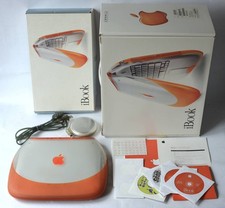
Apple iBook G3 Clamshell 300MHz 160MB 3GB CD Tangerine Vintage Mac w/ Box
$643.08
Apple iBook G4 A1054 1.07GHz PowerPC G4 256MB RAM Mac OS X 10.4.11
$52.47
Apple Mac OS X Snow Leopard 10.6.3 Operating System Software DVD Disc, vintage
$120.00

Apple Macintosh DuoDock Duo Dock M7779 & Powerbook 230 Vintage Mac RARE Vintage
$224.10
Apple Macintosh SE FDHD Vintage Mac Computer Shell Front/Back Only (260204)
$29.99
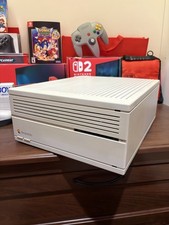
Apple Macintosh IIci Vintage Desktop Computer, Serviced And Recapped, Read
$549.99
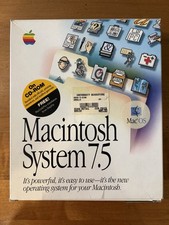
Apple Macintosh System 7.5 Vintage 1994 Mac OS 2 Original CDs Box Manual
$70.00
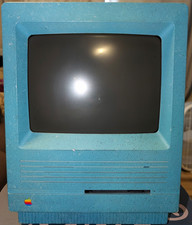
Vintage Apple Macintosh SE/30 Custom Blue Case Housing & CRT Monitor Only - Mode
$230.00
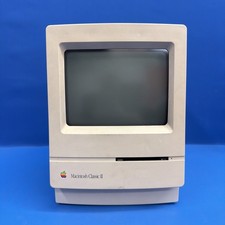
Vintage Apple Macintosh Classic II M4150 1991 Computer AS-IS Parts Repair
$149.00
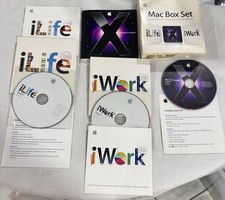
Vintage Apple Mac Box Set – Mac OS X Leopard, iLife
$22.65



 Reply With Quote