

 Reply With Quote
press alt-f2 two in KDE and type "sudo qtparted"


My harddisc that contained w2k system(NTFS) is damaged somehow and will not cooperate with Windows programs at any way. I event can't install new w2k with installation discs because get blue screen with NTFS_FILE_SYSTEM error. I get Knoppix 3.3 and that works! With Knoppix that I could save my important files from harddisc and see all the w2k files.
Now I like to get harddisc to work to install w2k again. I have not managed to format that harddrive with QTparted program. For some reason Knoppix won't change the read/write mode of that hard disc partition. What should I make to format harddisc?
---
Juha
press alt-f2 two in KDE and type "sudo qtparted"
If you have removed everything from your hdd I would strongly suggest zeroing the entire disc before partitioning and formatting. This is easy to do. Boot Knoppix, open a terminal and enter:Originally Posted by juham
dd if=/dev/zero of=/dev/hda
Of course make sure you really want to zero the drive before you start.
try sudo cfdisk
is more stable than qtparted
 Posting Permissions

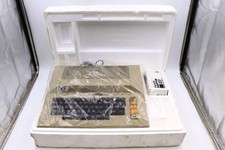
Atari 800 Home Computer Later Variant In Original Styro W/ BASIC CLEAN Untested
$249.99
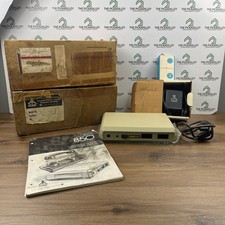
Atari 850 Interface Module Vintage 8-Bit Computer Expansion Serial Parallel Box
$159.95
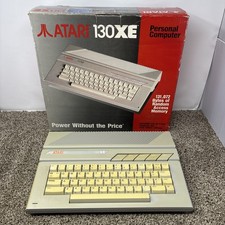
Vintage Atari 130XE Computer FOR PARTS OR REPAIR BAD RAM IN BOX
$180.00

Happy 1050 Upgrade for Atari 1050 Disk Drive - Solderless Installation - HS/DD
$49.97
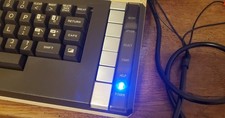
Atari 800 XL 8-Bit Computer W/ Blue LED And S Video A/V Cable
$155.00

Fujinet 1.7.1 Atari 400 800 800XL 130XE 65XE XEGS Assembled, Tested, Working
$99.99

ATARI XF551 DISK DRIVE WITH AC POWER ADAPTER AND PARALLEL PORT ADAPTER, UNTESTED
$250.00
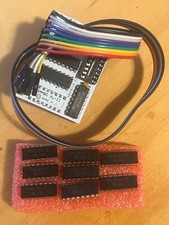
Atari 800XL/1200XL 256k Memory Upgrade Kit
$48.00
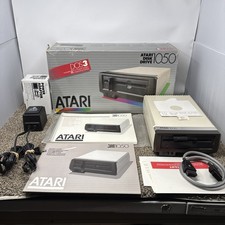
Atari 1050 Floppy Disk Drive Tested With All Cables Power And Data SIO In Box
$200.00
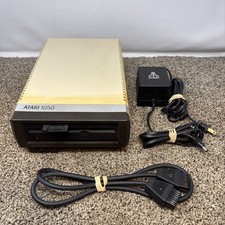
Atari 1050 Floppy Disk Drive Tested With All Cables Power And Data SIO Cable
$160.00