

 Reply With Quote
press alt-f2 two in KDE and type "sudo qtparted"


My harddisc that contained w2k system(NTFS) is damaged somehow and will not cooperate with Windows programs at any way. I event can't install new w2k with installation discs because get blue screen with NTFS_FILE_SYSTEM error. I get Knoppix 3.3 and that works! With Knoppix that I could save my important files from harddisc and see all the w2k files.
Now I like to get harddisc to work to install w2k again. I have not managed to format that harddrive with QTparted program. For some reason Knoppix won't change the read/write mode of that hard disc partition. What should I make to format harddisc?
---
Juha
press alt-f2 two in KDE and type "sudo qtparted"
If you have removed everything from your hdd I would strongly suggest zeroing the entire disc before partitioning and formatting. This is easy to do. Boot Knoppix, open a terminal and enter:Originally Posted by juham
dd if=/dev/zero of=/dev/hda
Of course make sure you really want to zero the drive before you start.
try sudo cfdisk
is more stable than qtparted
 Posting Permissions


Samsung DVI to DVI Cable 6 ft Digital Video Interface Audio Video NEW
$30.89
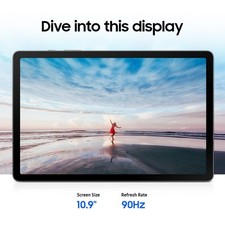
Samsung Galaxy Tab S10 Lite 10.9" 128GB Silver Wi-Fi SM-X400NZSAXAR
$206.00
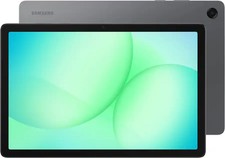
Samsung - Galaxy Tab A11+ - 11" 128GB - Wi-Fi - Gray - Brand new
$235.59

Samsung Galaxy View Tablet 18.4 SM-T670/677A Digitizer 100% Original Oem
$152.99

Samsung JC95-01514A Cover-Side Roller T2 Compatible
$39.00

Samsung JC93-01078A Transfer Roller T2
$89.00

Kids Case for Samsung Galaxy Tab A9+/A9 plus 11 Inch 2023 Case, with Strap, Shoc
$27.99
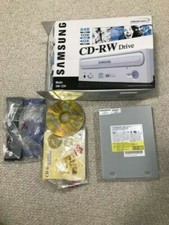
SAMSUNG CD-RW DRIVE MODEL SW-224 AMAZING CONDITION+ORIGINAL BOX NEVER USED
$30.00

Samsung Chomrebook XE350XBA-K02US LCD Screen FHD Display 15.6" XE350XBA-K03US
$51.77
For Samsung Galaxy Tab S9 FE 10.9” SM-X510 SM-X516 LCD Display Screen Digitizer
$47.00