-
Junior Member
registered user
How do I enter boot options for knoppix 3.3?
I'm trying to get my USB jump drive to work. I'm given boot options of:
home=/dev/sda1 or home=scan
How do I use them??? I've tried the command prompt as superuser....nothing! I've even attempted to type into the boot screen, but the bootup list just bypasses my entry and leaves me behind!!
What's the trick?? Please help!! Thanks
-
Junior Member
registered user
I just got a thumbdrive myself and haven't played with it yet, but here is a forum topic I found on it. Looked good.
http://www.knoppix.net/forum/viewtop...141&highlight=
Hope it helps
Robert
-
Senior Member
registered user
when you start knoppix you come to a line saying boot:
there you type in
boot:knoppix home=scan (or /dev/sda1)
Similar Threads
-
By kernco in forum Customising & Remastering
Replies: 4
Last Post: 04-05-2005, 08:35 AM
-
By section_8te in forum Hardware & Booting
Replies: 6
Last Post: 03-13-2005, 04:06 PM
-
By gogoye in forum General Support
Replies: 3
Last Post: 07-16-2004, 08:07 PM
-
By Journey44 in forum General Support
Replies: 3
Last Post: 01-27-2004, 05:56 AM
-
By ktheking in forum Customising & Remastering
Replies: 3
Last Post: 03-30-2003, 06:52 PM
 Posting Permissions
- You may not post new threads
- You may not post replies
- You may not post attachments
- You may not edit your posts
-
Forum Rules

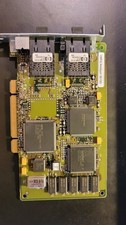
Compaq 242506-001 Netelligent 100 FDDI DAS Fiber SC PCI Network Adapter Vintage
$249.00

Vintage HP 21MX 1000 M-Series Minicomputer Chassis Backplane Parts AS-IS
$228.19
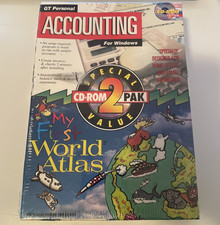
Vintage Personal Accounting & Essential Office 2 CD-ROM PAK For Windows 3.0
$114.00

Lot of 2 Vintage Plextor PX-43CS SCSI CD-ROM Caddy Drives + 4 Caddies Used
$55.99
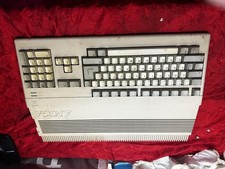
Amiga Commodore A500 - Untested-For Parts or Repair - Vintage
$200.00
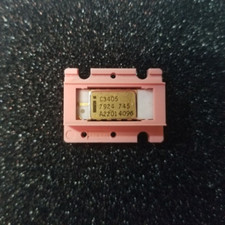
Vintage Intel C3405 white ceramic gold with chip carrier. Never used working
$44.99
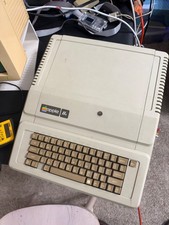
Apple IIe Vintage Computer A2S2064 Powers On Apple II Untested For Parts/repair
$149.99

Original Vintage Old Style STANDARD Black CD Jewel Case (Heavy Duty) 90g Lot
$316.95

VINTAGE COLLECTIBLE Comp USA Maxtor 20 GB 3.5 Inch EIDE Hard Drive NEW SEALED
$500.00

Vintage Apple iMac G4 15" Lamp 700MHz 512MB Mac OS X 10.4.6 W/ Pro Speakers
$300.00



 Reply With Quote