-
Senior Member
registered user
Debian installs Firefox to an unwritable directory. You can't add extensions to FF w/out write permissions. You could get the installer from http://mozilla.org/ which is how I prefer to install FF.
This sets up firefox in ~ (/home/username). You can easily add extensions, themes etc. w/out worrying about root permissions. To run it do:
Code:
~/firefox-installer/firefox-bin
You can create a script to launch it for you:
Code:
touch firefox.sh
echo "/home/username/firefox-installer/firefox-bin" > firefox.sh
chmod +x firefox.sh
sudo mv firefox.sh /usr/bin
Now just create a luancher on your desktop or taskbar to run your new script by executing:
Similar Threads
-
By RobertB in forum Networking
Replies: 7
Last Post: 01-27-2005, 05:17 PM
-
By jMon54 in forum General Support
Replies: 2
Last Post: 12-06-2004, 09:19 PM
-
By sgs9198 in forum Hardware & Booting
Replies: 3
Last Post: 07-05-2004, 11:40 PM
-
By bilzer in forum Tips and Tricks
Replies: 2
Last Post: 04-09-2004, 05:44 AM
-
By Cuddles in forum General Support
Replies: 4
Last Post: 12-25-2003, 03:27 PM
 Posting Permissions
- You may not post new threads
- You may not post replies
- You may not post attachments
- You may not edit your posts
-
Forum Rules

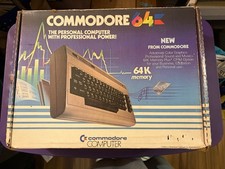
Commodore 64 Personal Computer w Power Supply-TV Hookup-Paperwork-Original Box
$139.00

Commodore VIC-20 Diagnostic Cartridge & Test Harness Set - USA seller
$39.99
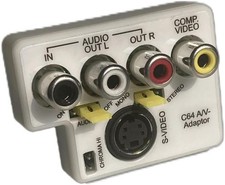
Commodore 64/128 Compatible AV Adapter with Audio and Video Functionality
$32.04
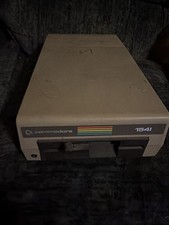
Partial Working/Nonworking Commodore 1541 5.25" Floppy Disk Drive
$50.00
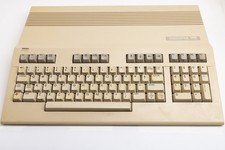
Vintage Commodore 128 Computer Powers On Not Tested with Power Supply
$169.99
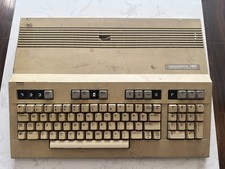
Commodore 128 Vintage Computer Not Working No Power Damage READ
$129.00
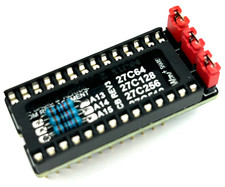
Commodore 64 & VIC-20 BASIC & Kernel ROM Replacement Adapter - USA seller
$17.99
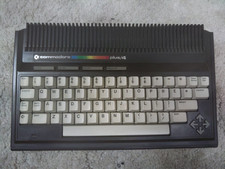
Commodore Plus/4 computer for parts or restore
$50.00
Commodore OS Vision 3.0 | Bootable USB Install | Linux Gaming OS
$24.99

Commodore OS USB | Bootable LIVE + Install | The Ultimate Gaming Linux OS | NEW
$11.99



 Reply With Quote