-
Senior Member
registered user
Debian installs Firefox to an unwritable directory. You can't add extensions to FF w/out write permissions. You could get the installer from http://mozilla.org/ which is how I prefer to install FF.
This sets up firefox in ~ (/home/username). You can easily add extensions, themes etc. w/out worrying about root permissions. To run it do:
Code:
~/firefox-installer/firefox-bin
You can create a script to launch it for you:
Code:
touch firefox.sh
echo "/home/username/firefox-installer/firefox-bin" > firefox.sh
chmod +x firefox.sh
sudo mv firefox.sh /usr/bin
Now just create a luancher on your desktop or taskbar to run your new script by executing:
Similar Threads
-
By RobertB in forum Networking
Replies: 7
Last Post: 01-27-2005, 05:17 PM
-
By jMon54 in forum General Support
Replies: 2
Last Post: 12-06-2004, 09:19 PM
-
By sgs9198 in forum Hardware & Booting
Replies: 3
Last Post: 07-05-2004, 11:40 PM
-
By bilzer in forum Tips and Tricks
Replies: 2
Last Post: 04-09-2004, 05:44 AM
-
By Cuddles in forum General Support
Replies: 4
Last Post: 12-25-2003, 03:27 PM
 Posting Permissions
- You may not post new threads
- You may not post replies
- You may not post attachments
- You may not edit your posts
-
Forum Rules

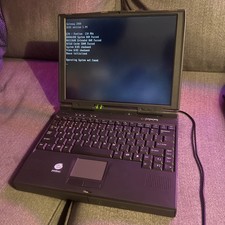
Vintage Gateway Solo 2100 Laptop Intel Pentium 150MHz, No Operating System
$40.00
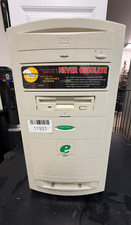
RARE-Vintage Emachines Monster 500A-Pentium III-256MB Ram 4.3GB HDD No OS *READ*
$299.99
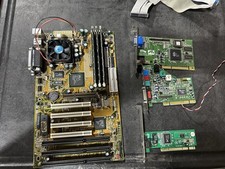
Vintage Iwill XA100 Plus Super Socket 7 Motherboard + K6-III 450 + 896mb READ
$179.99
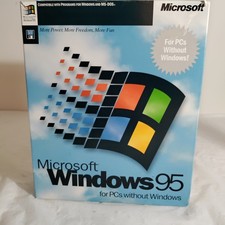
Vintage Microsoft Windows 95 Full Retail Version COMPLETE 3.5" Floppy Disks Box
$100.00
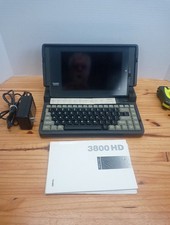
Vintage Tandy 3800 HD Portable Laptop Computer
$225.00
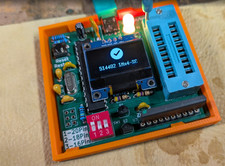
RAM-Tester for vintage RAM, 4816, 4164, 41256, 514402, and more - USA Seller
$35.00
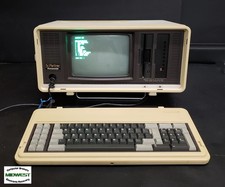
Vintage Panasonic Sr. Partner RL-H7000W Portable IBM PC-Compatible Computer
$275.00

Original Vintage Old Style STANDARD Black CD Jewel Case (Heavy Duty) 90g Lot
$164.95
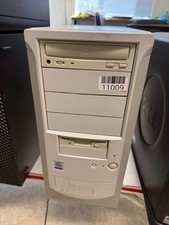
Vintage Desktop No Brand-Pentium 4-512MB Ram 40GB HDD ATI R200 Fire GFx OS W98E
$139.99

Vintage NEC CDR-1410A 50 Pin SCSI CD-ROM Optical Drive Used
$39.99



 Reply With Quote