

 Reply With Quote
Try under Settings: Control Centre (kcontrole)


I have 3.4 installed to the hard disk. Trying to install software with KPackage. It succesfully get the packages but when it tries to install I get the following:
perl: warning: Setting locale failed
perl: warning: Please check that your locale settings:
LANGUAGE = (unset),
LC_ALL = "en_US",
LANG="C"
are supported and installed on your system.
perl: warning: Falling back to the standard locale ("C").
locale: Cannot set LC_CTYPE to default locale: No such file or directory
locale: Cannot set LC_MESSAGES to default locale: No such file or directory
locale: Cannot set LC_ALL to default locale: No such file or directory
and then a bunch of dpkg-deb: subprocess tar killed by signal messages.
How/where do I set the locale
Try under Settings: Control Centre (kcontrole)
 Posting Permissions

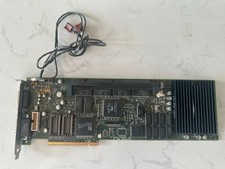
Rare Vintage Apple 820-0729-B PC Compatibility Card PCI PowerMac
$299.00

Vintage Think Pascal 4.0 MAC Apple Macintosh 3.5 Diskette Software NEW SEALED
$275.12

Lot of 3 VIntage Apple Computer Rainbow Logo Sticker Decal Macintosh 1980s NOS
$7.00
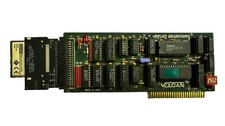
Applied Engineering Vulcan Hard Drive Vintage Apple IIgs
$200.00
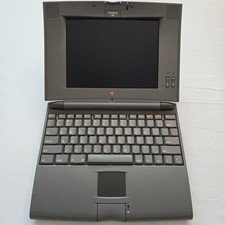
Vintage Apple Macintosh PowerBook 520 M4880 Laptop - Clean / Untested / Parts
$50.00
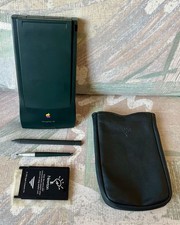
Vintage Apple Newton MessagePad 130 PDA - Working, Clean + Batteries & Extras
$149.99
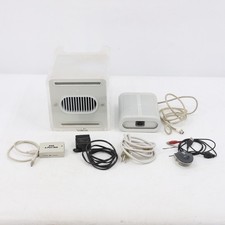
Vintage Apple Power Mac G4 Cube M7886 2000 450MHz 128MB RAM 20GB HD
$299.99
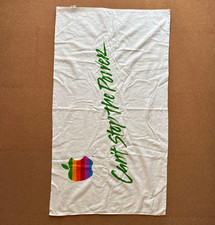
Rare Vintage Apple Computer Promo Set Rainbow Logo Towel Polo Shirt Report Pad
$230.00
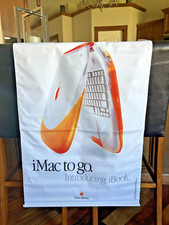
Vintage NOS Apple iBook Two Sided Cloth Banner Think Different
$99.99
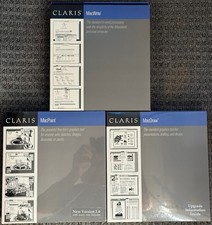
3 Boxes-Vintage Apple Claris Macwrite MacPaint MacDraw - Sealed - NOS Rare 1988
$74.99