

 Reply With Quote
Go to control center ----> Perpherals--->keyboard--->numlock on kde startup--->tick turn on--->apply.
It will turn on the next time you start.


Hello.
Where do I have to change a config file to set the numlock-status at startup?
I want to put it to "on". It is now "off" when I start my computer.
Go to control center ----> Perpherals--->keyboard--->numlock on kde startup--->tick turn on--->apply.
It will turn on the next time you start.
OR for those of you that don't use KDE:
apt-get install numlockx
Thanks for both answers!
 Posting Permissions


Genuine Cisco SFP-10G-SR 0-2415-03 10 Gigabit Transceiver
$5.40
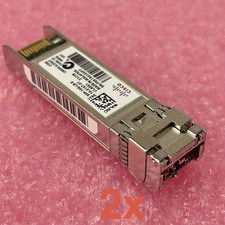
Cisco SFP-10G-LR-S Reset & Tested Lot of 2
$32.99

NEW Sealed Cisco SFP-10G-LR 10GBASE-LR SFP+ 1310nm 10km *US Shipping*
$24.00

Cisco Acacia DP04QSDD-E25-840 400G QSFP-DD Coherent DCO Transceiver Module
$699.99

SFP TO RJ45 TRANSCEIVER SFP MODULE COPPER SFP OPTICAL PORT TO RJ45 ETHERNET PORT
$7.99

Intel X520-DA2 10Gb 10Gbe 10 Gigabit Network Adapter NIC Dual Port E10G42BTDA
$28.94

HP 560SFP+ 10GB 2-port PCIe NIC Ethernet ADAPTER 669279-001 w/ (2) 10GB SFP+
$16.99

Cisco SFP-10G-SR V03 850nm 10GBASE-SR SFP+ MMF 10-2415-03 Transceiver
$4.99
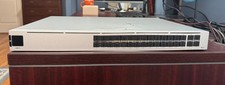
Ubiquiti Unifi USW PRO AGGREGATION 28x10Gbe 4x25Gbe QSFP28 Layer 3 Switch
$700.00

Cisco WS-C3650-12X48UR-L 48-Port Stackable Layer 3 8x10G SFP+ Port Switch
$129.99