

 Reply With Quote
What did you do to close 6000?


It's the only port i have open, wanted to know how to close it. Thanks!
What did you do to close 6000?
Hell if I know, I just had all my ports scanned when i got online running knoppix 3.6 from the CD. Five or so were in closed, all the rest were stealthed, and that port was wide open
You may have used a scan that doesn't really check all ports. Some sites (like Steve Gibson's site www.grc.com ) by default only check common ports. But Steve's site (and likely others) does have an option that will check other ports. I would suggest that you check port 6000 specifically. If you didn't do anything to close it then I think you'll find it open (mine is). I don't know what it is, so I'm more concerned about it than port 68. I'm not too concerned about either in my own case, but that's because I run from CD (much harder to infect me) and because I'm behind a firewall (Scanners will never see any of my ports open if I haven't opened the firewall for them).Originally Posted by vtechstu
 Posting Permissions

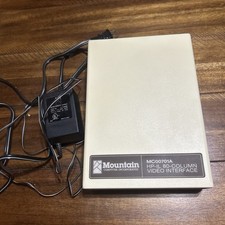
Mountain Computer MC00701A HP-IL 80-Column Video Interface w power cord vintage
$95.00
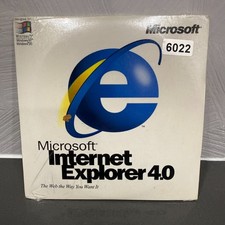
VINTAGE FACTORY SEALED MICROSOFT INTERNET EXPLORER 4.0 CD-ROM - NEW RARE BLUE CD
$34.99

Vintage NEC CDR-1410A 50 Pin SCSI CD-ROM Optical Drive Used
$39.99
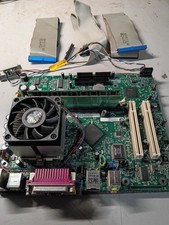
vintage Gateway motherboard, socket 370 1ghz cpu, 256mb ram, cables, power switc
$86.99
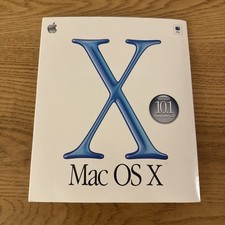
Vintage Apple Mac OS X Version 10.1 Upgrade CD 2001
$15.00
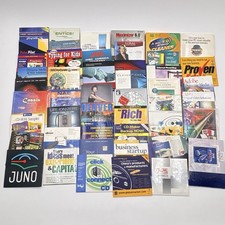
Vintage CD-ROM Lot 50 Promo Demo Trial Software Y2K AOL Juno Palm Pilot Intel
$35.50
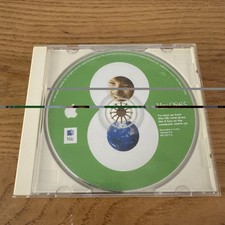
Apple Mac OS 8.5 Original Bootable Install CD-ROM 1998 Vintage Macintosh
$17.50

Original Vintage Old Style STANDARD Black CD Jewel Case (Heavy Duty) 90g Lot
$316.95
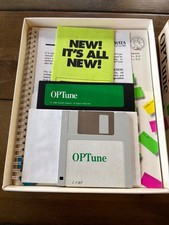
Vintage Gazelle Systems OP-Tune 1.3 Box Complete CIB Dual Floppy 3.5 5.25 DOS
$54.99

Vintage Teac FD-505 5.25" 3.5" Combo Drive 19307571-00
$199.99