-
No problem, from a command line enter
sudo cfdisk
That will launch the disk partitioning tool cfdisk as root. It should display your first physical disk with information about it's partitioning. If you get back an error it may mean your disk was not recognized by knoppix. Dio you know what type of hard disk(s) you have in the computer (ide, scsi, sata)?
Similar Threads
-
By MattS in forum General Support
Replies: 2
Last Post: 04-10-2005, 10:06 PM
-
By jeves20 in forum Hardware & Booting
Replies: 2
Last Post: 10-22-2004, 01:26 AM
-
By ANDREW03 in forum Hdd Install / Debian / Apt
Replies: 2
Last Post: 09-25-2004, 06:10 PM
-
By rrfish72 in forum General Support
Replies: 2
Last Post: 09-18-2004, 07:31 PM
-
By fabfab in forum General Support
Replies: 3
Last Post: 04-03-2004, 05:01 PM
 Posting Permissions
- You may not post new threads
- You may not post replies
- You may not post attachments
- You may not edit your posts
-
Forum Rules


VINTAGE DEC LA34/ LA100 SERIES KEYBOARD W/NUMERIC PAD 70-17864-01C
$140.00

Vintage DEC Digital Starion 200 Desktop PC Powers On Boots To BIOS NO HDD - DW
$269.99

Vintage Digital DEC 54-15688 rainbow color graphics option
$129.99

Vintage DEC/Mostek memory systems MK 8015 AA-00 6805-08015 1100 REV C(B7)
$279.99

Vintage DEC LK201 Computer Keyboard Used
$59.97

Vintage DEC PDT11 (VT100 Series) Terminal (Powers On).
$550.99
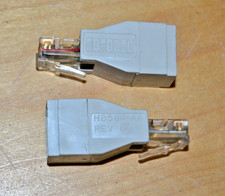
lot of 2 ~ Vintage Digital DEC ~ H8584-AA ~ 8-pin MP to 6-pin MJ **NOS**
$18.99

VINTAGE DEC VX20A-OP ACCELERATOR, 54-20309 FOR VXT2000 SYTEMS
$95.00

Vintage DEC Digital VR319-DA 19" High Resolution Monochrome CRT Monitor - Tested
$180.00
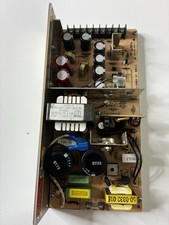
Vintage DEC LR150-11 Power Supply 70-0464-01 Rev C Sun Shoebox Micropolis
$140.00



 Reply With Quote