

 Reply With Quote
It's possible, install XP first otherwise it will overwrite lilo. You will have to modify two or three lines in /etc/lilo.conf and run /sbin/lilo, after the install and re-boot.


is this possible? iv searched all over and can find any info on how to do this. ifs its possible.. how would i do it?
my guess would be install XP. boot up knoppix. run the install from the command line and knoppix would setup the dual boot itsself?
thanks for any help!
It's possible, install XP first otherwise it will overwrite lilo. You will have to modify two or three lines in /etc/lilo.conf and run /sbin/lilo, after the install and re-boot.
how do i edit the lines? and what do i need to put in?
sorry for the stupid questions....
You can edit the file by opening a console and su then enter, type your password and you are now root either use vi or emacs to edit the file. You will not have to add anything just remove the # from the section that says (leave the # in front of the example part):
Save the file then /sbin/lilo commits the file to disk and when you re-boot you have the option for Windows (you can modify the label to Windows XP).Code:## A Windows installation, example for partition 1 on first IDE harddisk #other=/dev/hda1 # label=Windows
This example assumes that windows is on the first HD and partition modify if yours differs.
Your XP may take up the entire disk. Not sure, but you may need a tool such as ntfsresize or nparted (fat32) to resized the windows partition so there is space for the knoppix partition. I am just guessing, that when you install xp, it will take up the entire disk. You can't resize with cfdisk.
If you have 2 hard disks, you might be able to copy XP to the other harddrive that has NTFS and ext3 partitions. For example,
cp -xRp / /mnt/hdb1 . Just a guess never done it.
I just did this, and I found that this is the easiest way. Maybe not the best, but definately the easiest.
1. install XP, let it take the whole drive, be sure you use fat32 and NOT ntfs if you want write access to your windows partition.
2. Install partition magic, a litle spendy, but worth the money.
3. Go find a boot laoder called GAG and install it to a floppy following the directions and save it for later.
4. resize the winpartition to what you want.
5. Create a linux ext2 and a linux swap, partition magic can do this for you as well. In fact, it can even do it at the same time as resizeing thewinpartion.
6. Install knoppix to the hard drive using the hd-install script and partitions you prepared with partition magic.
7. Reboot with the GAG floppy in the drive and use it to configure you boot sector. Be sure you select "H" to write the boot laoder to the hard-drive.
**Note. There are many other ways to do the partitioning, I just find that partition magic is easy. Also, you could install knoppix first, and whenyou partition, leave a space for windows. It will give you an option to "use all unpartitioned space" when you install. Then use that GAG floppy to make a new boot sector. GAG is painfully easy. NBNFI (No Brain Needed For Instalation)
 Posting Permissions

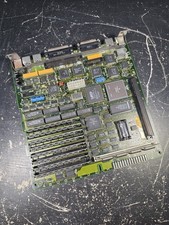
Vintage Apple Macintosh SE/30 Computer Motherboard 820-0260-A Parts/Repair AS-IS
$350.00
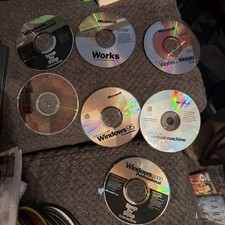
7 Vintage Microsoft Software CDs Lot Windows XP Home 2000 95 Works PC
$35.98
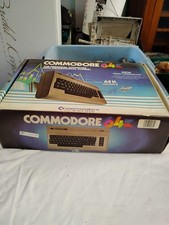
Vintage commodore 64 computer new In Box
$375.00
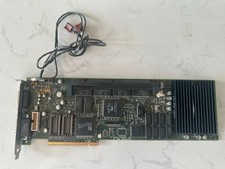
Rare Vintage Apple 820-0729-B PC Compatibility Card PCI PowerMac
$299.00
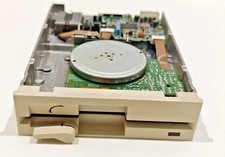
Vintage Miscellaneous Brand 5 1/4 Inch Floppy Drive Untested - Lot of 4
$35.95
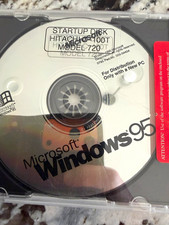
Vintage Microsoft Windows 95 OEM Install Disc Lot - Rare With USB Support OSR2
$49.00
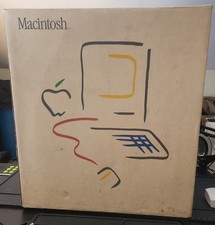
Vintage and very rare original Macintosh 128k box (2/3/1984)
$500.00
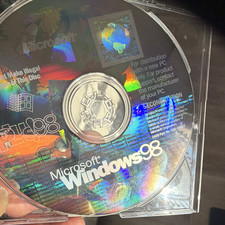
Vintage Microsoft Windows OS Hologram Disc Lot XP Pro 98 SE Reinstallation Media
$39.00
Vintage Intel iPDS-100 Personal Development System
$1499.99
Vintage Media Vision Pro Audio Studio PAS16 ISA Sound Card 650-0060 A. PC
$90.00