-
Senior Member
registered user
It's much easier than you would imagine.
In Knoppix all you need to do is click on the K menu, and click on the wine icon.
A little wizard will walk you through your configuration. You can stick with the defaults (you can always run the wizard again to edit things).
Then you download a windows program (or use programs from your windows partition) and cd into the directory with the program (or specify it's locatation) and type this: "wine program.exe"
It won't run everthing, but it's getting better and better. It really is quite easy.
Similar Threads
-
By adamherb in forum The Lounge
Replies: 7
Last Post: 11-03-2004, 09:56 PM
-
By manatarms1775 in forum General Support
Replies: 2
Last Post: 04-13-2004, 06:25 PM
-
Replies: 7
Last Post: 02-29-2004, 08:02 AM
-
By legal in forum Hdd Install / Debian / Apt
Replies: 0
Last Post: 01-15-2004, 04:33 PM
-
By javiergarza4 in forum General Support
Replies: 4
Last Post: 11-15-2003, 05:12 PM
 Posting Permissions
- You may not post new threads
- You may not post replies
- You may not post attachments
- You may not edit your posts
-
Forum Rules


Lot of 3 VIntage Apple Computer Rainbow Logo Sticker Decal Macintosh 1980s NOS
$7.00
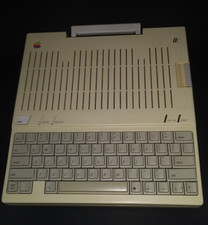
Apple iic A2S4000 vintage computer
$200.00
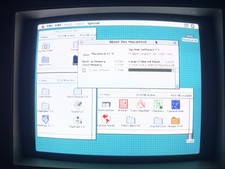
Vintage Apple Macintosh LC II — Recapped, Restored & Working — System 7.1, 80MB
$159.00
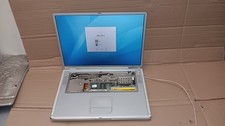
Vintage Apple PowerBook G4 Titanium Laptop 800 MHz 60 GB HD 15" LCD Screen A1001
$79.99

Vintage Apple USB Mouse M4848 Bondi Blue iMac G3 Hockey Puck - Tested Working
$22.99
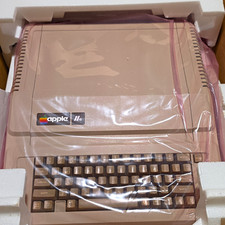
ORIGINAL PACKAGING Apple IIe Vintage Home Computer Classic Apple IIe Model
$899.00
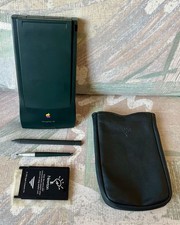
Vintage Apple Newton MessagePad 130 PDA - Working, Clean + Batteries & Extras
$149.99
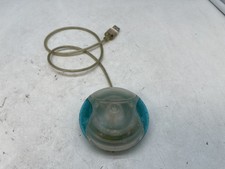
Vintage Apple USB Mouse M4848 Bondi Blue "Hockey Puck" Mac Mouse - Free S/H
$24.99

Apple cloth fabric banner iBook tangerine orange New Old Stock Vintage
$99.00

Vintage Apple Multiple Scan 15av Display Monitor M4681
$299.99



 Reply With Quote