

 Reply With Quote
well... in the playlist... what happens is that, the 5 is in the front, and the 1 at the back... just edit your playlist... and then say it...
thats all i can say...


I'm running knoppix 3.8.2 live cd. Let's say that I have 5 mpeg files that i want to play using xine. Using xine's gui, you proceed to a dialog where you select all of the files that you want to play.
My problem is that xine always starts out with file number 5, or the last file whatever that may be. Used to be, with my old knoppix and old xine that xine would start out with file number 1, as it should.
I can't seem to find any work around or a correctible cause. Any ideas?
well... in the playlist... what happens is that, the 5 is in the front, and the 1 at the back... just edit your playlist... and then say it...
thats all i can say...
 Posting Permissions


1969 EAI TR-20 Analog Computer Programming PACE Philbrick Electronic Associates
$32.00

Vintage George A Philbrick Researches Tube Analog Computer Module Serial 005503
$109.99

Refurbished Working 1960's Heathkit EC-1 Educational Electronic Analog Computer
$2999.99
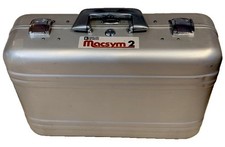
Analog Devices Macsym 2 Signal Simulator
$220.00

Vintage Early Week 12 1984 Apple Macintosh 128K Computer M0001 w/Analog Board+
$209.99

Extron RGB-160XI Analog Computer Video 60-378-01
$127.06
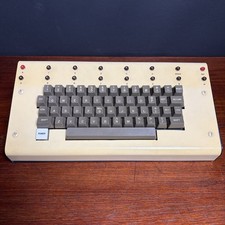
1979 vintage apple II 2 keyboard Mod CV Control Analog Synthesizer Paia Buchla
$500.00

Vintage Goodyear Electronic GEDA Analog Computer Plug -- Extremely Rare
$179.00
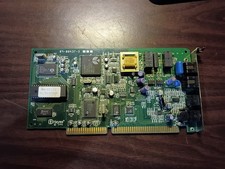
vintage internal ISA Dial-Up Modem from the Accura 28.8 series. 5617us
$29.99

RARE VINTAGE Kontron 80 Psi Compact Microcomputer Computer Germany Early 1980s
$319.99