-

Originally Posted by
hal8000
Before you see Welcome to knoppix, there is an isolinux boot prompt
If you dont press any keys, knoppix boots within 30 secs, type
knoppix failsafe
at the prompt and press enter, this disables most of the hardware detection.
The knoppix CD is a compressed image, its around 2000M od data compressed
to fit on a 650M CD, using the El Torrito standard.
Its as iff the disk cannot be read, have a look in your BIOS and see if there are
any special boot requirements or configurations for the cdrom in your system,
there isn't on my system but its 4 years old.
Hope that helps,
actually the boot prompt IS the "welcome to knoppix" screen.
but if i do failsafe, my keyboard doesn't work since it's USB, so i can't really get anywhere.
i did update my BIOS just now trying to fix the problem with the computer through Dell, although i haven't tested it yet. (edit: it didn't work)
Similar Threads
-
By djduke36 in forum Hardware & Booting
Replies: 2
Last Post: 04-20-2009, 08:32 PM
-
By Snifro in forum Hardware & Booting
Replies: 19
Last Post: 02-23-2007, 12:26 AM
-
By boomer777 in forum Hardware & Booting
Replies: 0
Last Post: 06-11-2005, 10:26 PM
-
By tw in forum Customising & Remastering
Replies: 15
Last Post: 07-07-2004, 08:17 AM
-
By befuddled in forum General Support
Replies: 4
Last Post: 11-23-2003, 03:42 AM
 Posting Permissions
- You may not post new threads
- You may not post replies
- You may not post attachments
- You may not edit your posts
-
Forum Rules

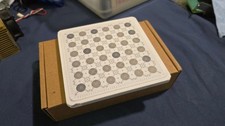
IBM Prototype ES/9000 Mainframe Computer MCM CPU Vintage White Ceramic Gold
$1000.00
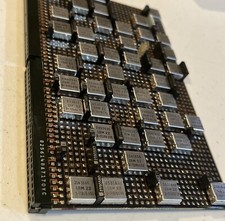
IBM MST-2 370 Integrated Circuit Computer Chips Lot Of 43 Rare 1970s Vintage
$249.00

HP 5060-8359 8K Semiconductor Memory Module 5080-9747 Vintage HP Computer
$165.58

Vintage Telex 952003-112 Mechanical Terminal Keyboard IBM 3270 Mainframe DB25
$679.15
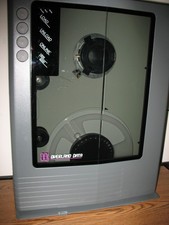
VINTAGE RARE Overland 9 Track tape drive for mainframe computer storage
$800.00

Vintage IBM #192726 Paper Tape Punch Mainframe Computer Programming Tool 1960s
$94.95
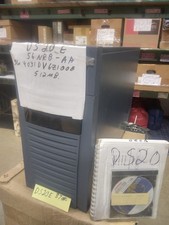
DEC ALPHA DS20E system complete, posts good. 512mb, no disks, Digital Equip Corp
$699.00

Vtg IBM Mainframe Prototype Chip Module Lot 146 pc 1988-1993 ES/9000 Lab Arcive
$649.00
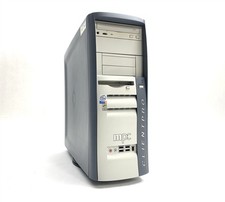
MPC ClientPro 545 Pentium 4 2.40GHz 512MB NO/HDD RV100 Vintage PC Retro Computer
$149.97
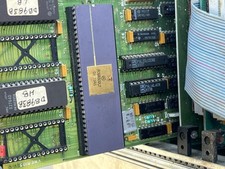
Mystery Vintage Computer Mizar Motorola 68000 Based System W Shugart Drives
$500.00



 Reply With Quote