

 Reply With Quote
Please see answer #7.


Hi all,
I am new to knoppix.
currently my office is using a knoppix that is installed into a harddisk
It's customise in a way where when it boots up
it will just display a screen with three options.
the problem i am encountering is it's in french and the keyboard mapping is also in french
what i would like to know is
how can i edit the setting of the customise image to display in english and the keyboard mapping in english.
is it like editing a file to change all this setting
or do i need to edit the root disk?
i have the image in which is in french.
Please see answer #7.
---
Verifying of md5 checksum and burning a CD at slow speed are important.
 Posting Permissions

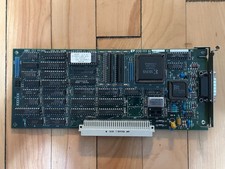
Vintage Radius Pivot II Display NuBus Video Card 632-0030
$149.00
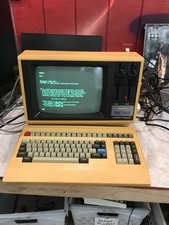
Rare Vintage Sanyo MBC-1150 Terminal With Keyboard CPM2.2 — Boots - DW
$1000.00
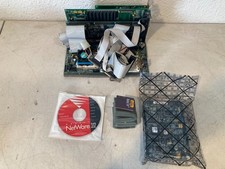
Vintage 486 PC Motherboard IBM CPU ISA Cards RAM Novell NetWare 3.12 Computer
$249.99
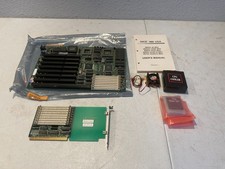
Vintage NICE Plus 486 USA Motherboard Intel i486 DX2 CPU Manual Expansion Card
$224.99
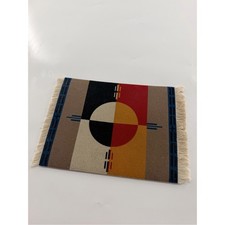
Vintage Mouserug Pendleton Mouse Pad Red Tan Black Aztec Circle of Life Elders
$50.00
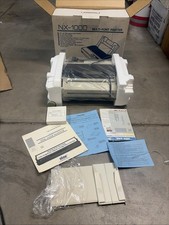
Star Micronics NX-1000 Multi-Font Dot Matrix Printer New In Box NIB Vintage C64
$199.99
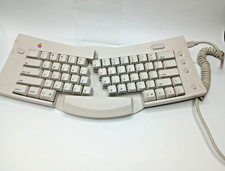
RARE Vintage Apple Macintosh M1242 Adjustable Ergonomic Keyboard M1242
$99.00
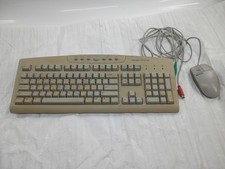
Vintage Ford Motor Company PeoplePC keyboard with HP wired mouse.
$27.99
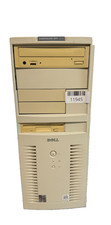
VINTAGE Dell Dimension XPS D233-Pentium II-128MB Ram 13.5GB HDD Matrix GFx W98SE
$229.99
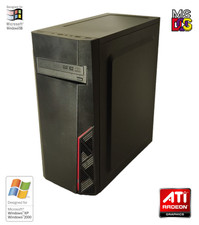
NEW* AMD Athlon 2.5GHz 4GB ATI X300 Win98 XP DOS Multiboot Retro PC w/ 50 Games
$349.00