-
Administrator
Site Admin-
Glad to hear you are not taking the option in Nero to "make the disk bootable". People who do and then let Nero add a default OS to the disc end up running DR-DOS (thus the prompt).
Not sure about clicking on an ISO to burn it, I've never let Nero own the ISO extension (usually that belongs to IsoBuster, or on some systems even VLC). It might work, but to be safe I suggest using the "burn image" menu option. Nero has moved it in different versions, but look under the "recorder" menu item. And use the full real Nero, not that quick start nonsense for dummies. And read the FAQ, things like checking the md5 checksum and burning slow are really important. If you still have problems, play around with that command prompt and see if it is Linux or something else. If it is Linux then I expect you are seeing the boot options and the boot info (including one or more penguins), but I really can't tell from just the mention of a command prompt what you are doing.
---
Verifying of md5 checksum and burning a CD at slow speed are important.
 Posting Permissions
- You may not post new threads
- You may not post replies
- You may not post attachments
- You may not edit your posts
-
Forum Rules

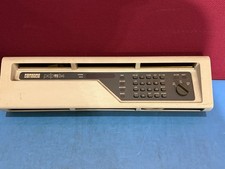
DEC PDP-11/34 Front Panel Complete PDP11 RARE
$450.00

Vintage Intel Mainframe Server MCM CPU Substrate Lot Prototyping PGA Validation
$500.00

HP 5060-8359 8K Semiconductor Memory Module 5080-9747 Vintage HP Computer
$157.30

HP 13210-60001 Disc Drive Interface PCB HP 7900A 7901A Vintage
$157.93

Vtg IBM Mainframe Prototype Chip Module Lot 146 pc 1988-1993 ES/9000 Lab Arcive
$649.00

Computer Tape Reel 1600 BPI 9 Track Vintage Mainframe LOT OF 2 WITH BOX
$89.95

Vintage Mainframe Computer Disk Drive Pack Dyson SMD 5 Level Disks
$79.00

Commodore 64 PC with Model 1541 Diskette Drive and Flight Simulator II *READ*
$199.99

Vintage Telex 952003-112 Mechanical Terminal Keyboard IBM 3270 Mainframe DB25
$799.00
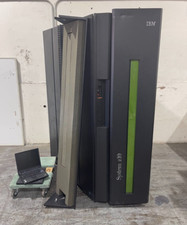
IBM System Z10 Type 2098 Mainframe (As-Is)
$6999.99



 Reply With Quote