

 Reply With Quote
Well, I tried another time, and now the filesystem recognizes the dvd.. Starting brasero however fails when trying to write the dvd.


Hi there,
I'm trying to rescue an old pc whose installation has been "destroyed" and is simply stuck. Now I have made a DVD disk with knoppix 6.7.1. And gained access to the documents on my old pc. However as the size is decently large (8-9 GB) I would like to write those to another dvd.
So I inserted another empty dvd into the drive, however nothing happens. If I use an already written dvd it works, however an empty dvd simply does not. What action do I have to undertake to let knoppix know I'm trying to write a dvd?
Well, I tried another time, and now the filesystem recognizes the dvd.. Starting brasero however fails when trying to write the dvd.
I guess you will need a second DVD drive to make that method work - Knoppix needs the DVD content when run (not only booted) from DVD. You could instead run from an USB stick (use the Install Knoppix to flash disk in the Preferences submenu), and burn what you need. If you can't boot from the stick, use the fromhd cheatcode at the boot prompt upon DVD boot.
 Posting Permissions


HP ProLiant MicroServer AMD Athlon II Neo N36L 1.3GHz 8GB RAM 4-Bay NAS Server
$99.00

Supermicro 1027GR-TSF 1U Rackmount Server 2x Xeon 2.3GHz 128GB DDR3
$219.99

Supermicro 721-2 Mini Tower Black Computer Server NO Hdd
$375.00

$280.00

New Barebones Supermicro 5019D Server, 4C/8T Xeon D-2123T, 1U Rackmountable, 10G
$449.99

1U Supermicro SuperServer 5019D-4C-FN8TP Xeon D-2123IT 4 Core 32GB X11SDV-4C-TP
$699.00
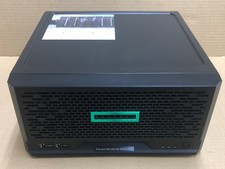
HPE ProLiant MicroServer Gen10 Plus Xeon E-2224 8GB Japan
$588.18

Supermicro 1U Server 514-4 (X11SSZ-QF) | i7-7700 - 16GB DDR4 Ram - Rackmountable
$249.00

BOXX B157552 SuperMicro X10DRT-L 2x Intel 2630V4 NO RAM & SSD Server
$160.99
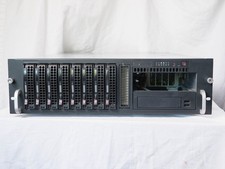
Supermicro CSE-833 3U 8-Bay Barebones, w/ power supply, trays, backpane, fans
$200.00