

 Reply With Quote
Try this:
Right-click TaskBar, then click TaskBar (Window List) Setting
Select Bindings Tab, Right Button, Show Menu.
;D


Facts:
Laptop HP Pavilion g6-1b67ca running
Knoppix 6.7.1 from USB flash drive.
Boot with cheatcode "nomodeset" (for graphic card reasons).
Hello,
"Right-click on Desktop" is not opening the pull-down window after I accidentally check-marked
in "Desktop Preferences" under Advanced Tab the box "Show menus provided..." and closed the
open window afterwards (see Screenshot).
I was not able to get the "Right-click on Desktop" option back yet. What can I do?
Try this:
Right-click TaskBar, then click TaskBar (Window List) Setting
Select Bindings Tab, Right Button, Show Menu.
;D
Last edited by utu; 03-30-2012 at 01:36 AM.
Change the value of "show_wm_menu" from "1" to "0" in
'/home/knoppix/.config/pcmanfm/LXDE/pcmanfm.conf' and re-login to get the old behaviour.
@utuOriginally Posted by utu

Thanks for the info....I could not find "Bindings Tab" (see screenshot)
@Werner
Thank you! Editing " /pcmanfm.conf and re-login " did the trick
@ Karibu
You are clicking the Desktop.
Click the TaskBar, at the bottom of the screen in my case.
Top of the screen for Werner, last I heard.
It's a feature of the new LXDE versions (as for example within the new Knoppix V7.0DVD).Thanks for the info....I could not find "Bindings Tab" (see screenshot)
But for me, it does not re-establish the wanted behaviour; it does not change the value from "show_wm_menu".
Last edited by Werner P. Schulz; 03-31-2012 at 05:27 PM.
Werner's right, the gui approach, Post #2, doesn't do the job in 6.7.1.
 Posting Permissions

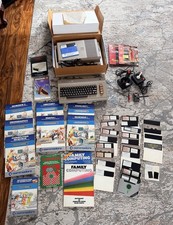
Commodore 64 Vintage Home Computer w/ Box, Manuals, Software Disks & Accessories
$210.00

Commodore OS USB | Bootable LIVE + Install | The Ultimate Gaming Linux OS | NEW
$11.99

Pi1541 Zero with Epyx Fastload Hat, Case & 16gb SD for Commodore 64 and 128
$79.99
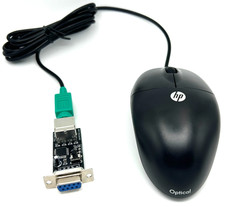
Commodore 64 1351 Compatible Optical Mouse with Adapter (Geos etc) - USA Seller
$29.99

Commodore PET 4032 9" Screen - Powers on and boots to Commodore BASIC 4.0
$500.00
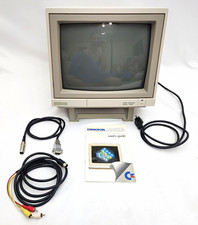
Commodore 1902A Color CRT Monitor C64 C128 Original Box Manual Cables Powers On
$290.00
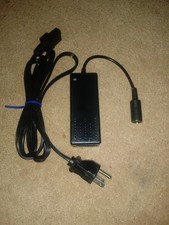
Commodore 64 CMD HD-20 HD-70/500 Hard drive Power Supply NEW
$42.00

Commodore 64 Serial Cable 6PIN DIN 1541 1571 C64 128 C128 Disk Drive Printer USA
$10.49

Commodore 1541 Emulator Complete incl PI Zero & 2GB SD CARD, OLED, USA Seller
$59.99

Commodore 64 Dead Test & Diagnostic Cartridge & Test Harness Set - USA seller
$39.99