-
7.0.5 desktop too big for screen: how to view menubar?
Both on my Tosh L630 laptop (with/ without external monitor) and Dell Dimension 2400 desktop the startx command provides a desktop with no visible menubar along the lowedr edge of the screen and therefore no access to utilities etc. Or to logout! IT mustr be there somewhere, but I can't travel to it.
If I start with xinit I get a primitive xterm from which some progress can be made, but it's not the answer. Any suggestions for modifying the default start command sequence?
Meanwhile, I'm sticking with 6.7, the most perfect version since 5.2. None of the 7 series has worked well (for me) up to and including the current 7.0.5, all offering various, different, un-put-up-able-with, glitches and infelicities.
Thanks,
Fergus
 Posting Permissions
- You may not post new threads
- You may not post replies
- You may not post attachments
- You may not edit your posts
-
Forum Rules

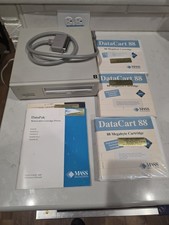
Vintage Mass Microsystems DataPak 88MB Removable External SCSI Hard Drive...
$149.99

Vintage HP 21MX 1000 M-Series Minicomputer Chassis Backplane Parts AS-IS
$228.19
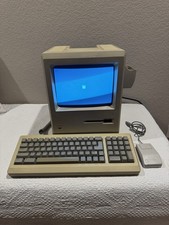
Apple Macintosh Plus 1Mb Vintage Desktop Computer w/ Keyboard & Mouse
$350.00

Vintage Computer Keyboard Northgate OMNIKEY Ultra
$120.00
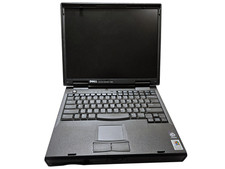
Vintage Dell Inspiron 7500 15" Pentium II 400MHz 128MB 4.8GB Windows 2000 Pro
$59.00
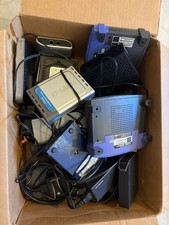
15pc Vintage Networking Electronics Lot Netgear Linksys D-Link Roku Untested
$85.00

Vintage Gray AC Power Cable Cord 3-Prong Plug to 3-Prong 3-Slot Connector
$50.00
Vintage Tiny KB-9805 PC Qwerty Keyboard Retro Wired #99
$54.99

Ast Advantage Adventure 4050D Vintage Retro Computer Great Condition
$199.99
Vintage Intel iPDS-100 Personal Development System
$1499.99



 Reply With Quote