-
When I do as root:
Code:
cp /mnt/hda1/filename /etc/filename
the onwnership of the new file is root:root.
Still I can not run the script as root, not even when I do as root:
or
or
Which should work according to several Linux howto's.
I get a message:
Code:
bash: filename: command not found
The file exists
When I do:
I get
Code:
-rwxrwxrwx 1 root root 549 jan 26 15:25 filename
('filename' is colored green)
Is user knoppix using another shell or something like that?
Similar Threads
-
Replies: 5
Last Post: 01-06-2005, 02:29 AM
-
By mzilikazi in forum General Support
Replies: 0
Last Post: 07-28-2004, 08:36 PM
-
By A. Jorge Garcia in forum Hdd Install / Debian / Apt
Replies: 3
Last Post: 07-03-2004, 06:22 PM
-
By fabriloup in forum General Support
Replies: 1
Last Post: 09-13-2003, 10:28 AM
-
By Dave_Bechtel in forum General Support
Replies: 0
Last Post: 06-04-2003, 11:54 AM
 Posting Permissions
- You may not post new threads
- You may not post replies
- You may not post attachments
- You may not edit your posts
-
Forum Rules

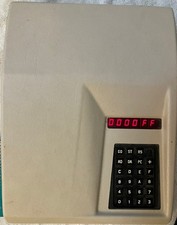
kim-1 Computer Original MOS Rev A with vintage enclosure. Working perfectly
$1750.00

Pi1541 Zero with Epyx Fastload Hat, Case & 16gb SD for Commodore 64 and 128
$79.99

Commodore OS USB | Bootable LIVE + Install | The Ultimate Gaming Linux OS | NEW
$11.99
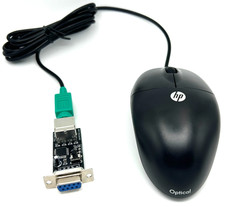
Commodore 64 1351 Compatible Optical Mouse with Adapter (Geos etc) - USA Seller
$29.99
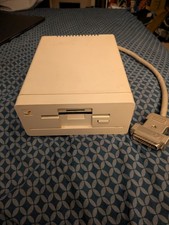
Commodore Amiga 1010 External 3.5” Floppy Drive A500 A1000 A2000 Tested Working
$169.99

Commodore 64 PLA Replacement MOS 906114-01 / PLS100 C64, SX 64 High Quality USA
$12.99
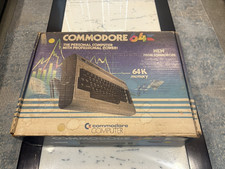
BOXED Commodore 64 Computer w/Matching Serial Numbers for Parts/Repair
$99.99

Commodore 64 Serial Cable 6PIN DIN 1541 1571 C64 128 C128 Disk Drive Printer USA
$10.49
Lot 8 Vintage Commodore 64 C64 C128 GEOS Software Boxed CIB Berkeley Softworks
$349.99
Commodore PLA Replacement MOS 906114-01 / PLS100 for C64, SX 64 High Quality USA
$12.99



 Reply With Quote