

 Reply With Quote
use <Insert> <Special character>. Then select a font with chinese "letters" (f.e. Fangsong TI) and search the desired character.
This is only useful if You need not so much chinese text.
I didn't see a chinese keyboard layout in knoppix.


Can somebody guide me through on how to enter Chinese characters in OpenOffice?
I am using KNOPPIX and OO1.1.
use <Insert> <Special character>. Then select a font with chinese "letters" (f.e. Fangsong TI) and search the desired character.
This is only useful if You need not so much chinese text.
I didn't see a chinese keyboard layout in knoppix.
There is a Chinese version of Knoppix available here:
ftp://cle.linux.org.tw/pub/KNOPPIX/bv1al/
Thanks knixkw but where is the <special character> key?
Do I have to do some configuration before that?
Open Office 1.1 has a menu <insert>. In this menu select the item <special character>.
Don't linux have something where I could input like in Windows (type in han yu pin yin)?
 Posting Permissions

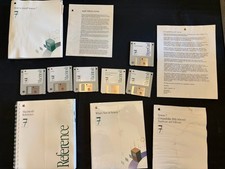
Vintage Apple Macintosh System 7 OS Software 8 Floppy Disks Manuals Original
$99.99
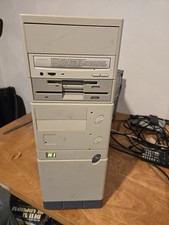
Vintage Retro Cyrix 6x86 133mhz 32mb RAM Floppy Combo
$299.00

Vintage HP 21MX 1000 M-Series Minicomputer Chassis Backplane Parts AS-IS
$228.19
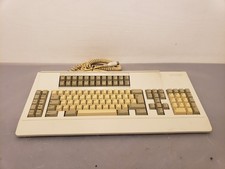
Vintage Memorex Telex 122-Key AT Terminal Keyboard 96550264
$100.00
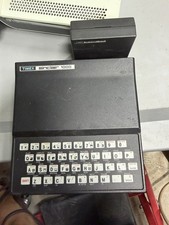
Timex Sinclair 1000 TS1000 Vintage Home Computer MPN TS1000R1
$150.00
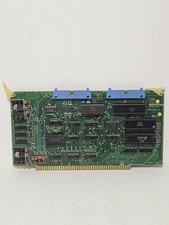
Vintage Tei Inc 1977 CPU Assembly 13260 Circuit Board
$145.00
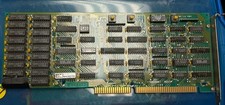
Vintage Microtek Megabit Rev 3 Memory Expansion Board 8-Bit ISA RAM Card IBM PC
$79.00
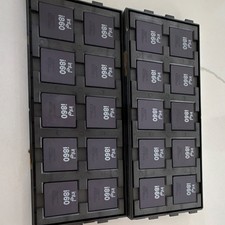
Intel i860 Microprocessor CPU Vintage A80860XR-33 Processor. 20 CPU’s
$999.00
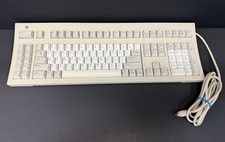
Vintage Sun Microsystems Type 5 Keyboard N860-8701-T010 Tested Working
$55.55
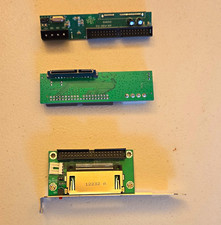
Vintage Computer Adapter Board with Bracket
$19.00