

 Reply With Quote
You need one of the few remastered knoppix CD's that have captive NTFS. Knoppix 3.3 can't write to NTFS unless you hard drive install it and then add support for it through captive NTFS or the 2.6 kernel.


How do I make an NTFS partition NOT read only? I am logged in as root at a console and I get a filesystem is read-only error when I try to move files.
You need one of the few remastered knoppix CD's that have captive NTFS. Knoppix 3.3 can't write to NTFS unless you hard drive install it and then add support for it through captive NTFS or the 2.6 kernel.
Oh.
Dear arkaine23,
would you like to explain me in details how can have/add support for NTFS through captive NTFS ???
Best Regards
Mike Kranidis
Do I have a sign on me that says "hi, I'm a Linux admin, ask me anything"?
Well, I might know a little bit about Linux, but adding captive NTFS or 2.6 kernel to a live CD or installed distro are things I haven't gotten around to doing yet.
I can post a few links that will help you out though...
http://www.knoppix.net/forum/viewtopic.php?t=6546#29685
http://www.knoppix.net/forum/viewtopic.php?t=7317#33492
Just search and you may find more. Also, it looks like Knoppix 3.4 will probably show up in a few weeks. That should support NTFS writing. the newest version of Knoppix STD has NTFS write capability.
If you're on a LAN, you can write to a NTFS share on another computer using samba... Nothing special, just samba.
mkdir /mnt/poiint
smbmount //hostname/sharename /mnt/point -o username=username
Just run it as root and fill in the vaules for hostname (name of remote computer), sharename (name of share), and username (user to connect as). Then you should get prompted to enter username's password, and the share drive will be mounted to /mnt/point (or whatever directory you specify).
Dear arkaine23,
thanks for your answer.
Best Regards
Mike Kranidis
 Posting Permissions


Lot of 3 VIntage Apple Computer Rainbow Logo Sticker Decal Macintosh 1980s NOS
$7.00
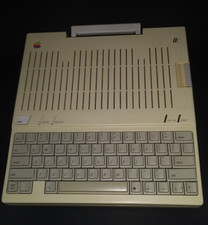
Apple iic A2S4000 vintage computer
$200.00
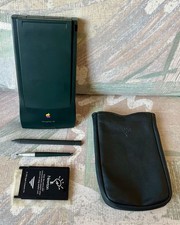
Vintage Apple Newton MessagePad 130 PDA - Working, Clean + Batteries & Extras
$149.99
Vintage Apple Macintosh LC II — Recapped, Restored & Working — System 7.1, 80MB
$159.00

Vintage Apple USB Mouse M4848 Bondi Blue iMac G3 Hockey Puck - Tested Working
$22.99
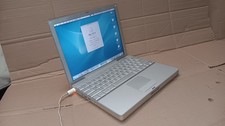
Vintage Apple PowerBook G4 12" Laptop 1.5 GHz 12" LCD Mac OS 10.4.11 Tiger A1104
$99.99
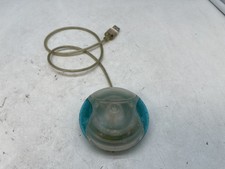
Vintage Apple USB Mouse M4848 Bondi Blue "Hockey Puck" Mac Mouse - Free S/H
$24.99
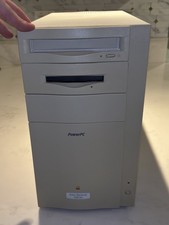
Vintage APPLE POWER MACINTOSH 8500/180 M3409 w/ Original Box & Reciept UNTESTED
$199.00

Apple cloth fabric banner iBook tangerine orange New Old Stock Vintage
$99.00

Vintage Apple Multiple Scan 15av Display Monitor M4681
$299.99