-
What to do after creating a partition
I typed: sudo knx-hdinstall
I created a partition with 4500mb, then I did "Write" on it on the disk.
Now I have no clue what to do, I pressed enter on Quit, and it asked me about Swap Partitions. I pressed enter and it said it couldn't find any.
I need instructions after writing the partion onto the disk.
Thanks.
-
Senior Member
registered user
First I would suggest using knoppix-installer as knx-hdinstall is depracated. Secondly you might want to reboot just to make sure your new partition table is written to hdd. You don't have to use a swap partition but if you have less than 1G of system RAM it might be a good idea to do so. Simply mark your swap partition as type82 (if using cfdisk) and type83 for Linux. The installer should see them just fine.
-
what do I do after writing the partition? and how do I create a linux swap?
I'm basicly stuck in the menu that creates partition. I write the table to the disc and i have no clue whatever else you are talking about.
-
Senior Member
registered user
Create at least two partitions. One should be a Linux partition (type83), the other a Linux Swap partition (type 82) make the type 83 bootable. Then write the partitions to disk.
A little later the dialogue will pop up asking you which partition (the default will be the one you created) you want as swap.
-
Junior Member
registered user
hi,
you might wish to have a look at the hdd installation proecedure discussed on <a href="http://www.knoppix.net/forum/viewtopic.php?t=6597">
the simplest versatile hddinstall procedure ever  </a>, or go directly to my home page: http://www.esat.kuleuven.ac.be/~decockd, click on the penguin...
cu, g.
Similar Threads
-
By yukichigai in forum Laptops
Replies: 1
Last Post: 07-14-2005, 04:27 AM
-
By neil c in forum General Support
Replies: 1
Last Post: 01-14-2005, 01:00 PM
-
By fester13 in forum General Support
Replies: 0
Last Post: 12-01-2004, 01:16 AM
-
By TLis in forum General Support
Replies: 2
Last Post: 05-12-2004, 09:49 PM
-
By jdong in forum Hdd Install / Debian / Apt
Replies: 3
Last Post: 08-13-2003, 06:57 PM
 Posting Permissions
- You may not post new threads
- You may not post replies
- You may not post attachments
- You may not edit your posts
-
Forum Rules


Lot of 3 VIntage Apple Computer Rainbow Logo Sticker Decal Macintosh 1980s NOS
$7.00
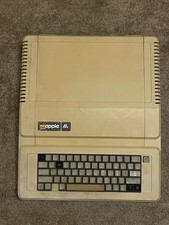
Vintage Apple IIe Computer Model A2S2064 Main Unit - For Parts / Repair - AS IS
$99.00
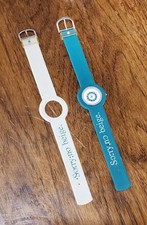
Vintage Apple iMac G3 “Sorry, no beige.” Wristwatch – Two Original Bands
$249.95
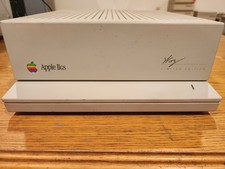
Vintage Apple IIgs WOZ Signature Edition Computer and Floppy Drive ALL WORKING
$395.00
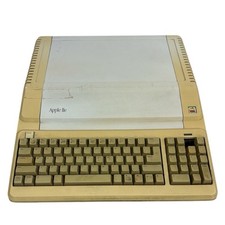
Vintage Apple IIe Platinum 128k Computer A2S2128 ~ Powers On
$250.00
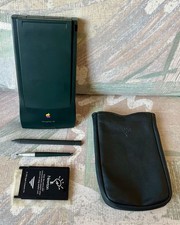
Vintage Apple Newton MessagePad 130 PDA - Working, Clean + Batteries & Extras
$149.99
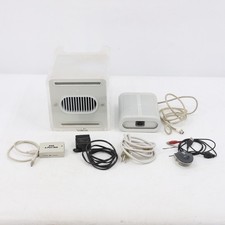
Vintage Apple Power Mac G4 Cube M7886 2000 450MHz 128MB RAM 20GB HD
$299.99
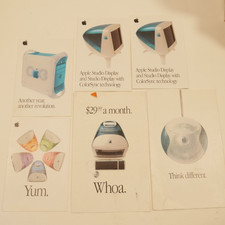
6 Vintage 1999 Apple iMac Mouse G3 Promotional Sales Brochure Booklets 3x5 4x6
$35.00

Vintage 1988 Apple Macintosh Plus 1MB M0001A Computer Keyboard WORKING See Video
$225.00

Vintage NOS Apple iBook Two Sided Cloth Banner Think Different
$99.99



 Reply With Quote