

OK I've added the directory and permissions to /etc/exports and I've edited the files hosts.allow and hosts.deny to allow all and no denys. Then I started nfs-kernel-server and nfs-common. And then I flushed the iptables but I still can't get an nfs directory to mount. I get the error RPC - connection refused when I try to mount. I'm trying to mount like this.
mount -t nfs 127.0.0.1:/nfsout /nfsin
I'm pretty lost cause I have no problem with nfs on redhat...
 Posting Permissions


OPNsense pfSense 8-Core Atom C3758 2.2GHz 8GB DDR4 64GB SSD 8x NIC QAT AES VPN
$145.00

OPNsense Firewall 16-Core Atom C3958 16GB DDR4 RAM 64GB SSD 8x 1Gbe QAT AES-NI
$195.00

Zero Trace Pen: All-in-one Tor Network Anonymous Drive + Cryptocurrency Wallet
$147.00

Check Point 1590 Firewall & w builtin WiFI and builtin LTE sim slot
$95.99
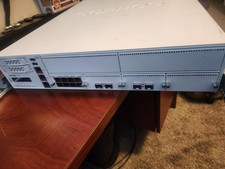
Sophos XG 550 Rev 2 Firewall 4x 10GbE SFP+ IXM204 8x GbE 2x 500GB SSD Dual PSU
$899.00

Fortinet FortiGate 60F FG-60F UTM UTP License Until 2027 Network Security FW VPN
$199.99

Fortinet FortiGate 60F FG-60F Firewall Tested Reset Deregistered OEM PSU
$99.99
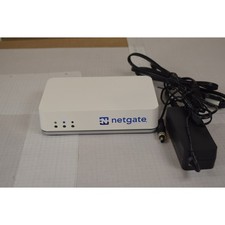
Netgate SG-2100 pfSense Plus 26.07 Firewall VPN Router - Wiped, Fresh Install
$174.99
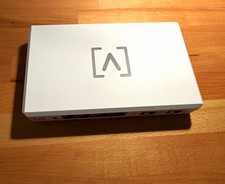
Alta Labs Route10 10Gbps Router Firewall 2x SFP+ 4x 2.5GbE 2x PoE+
$174.99
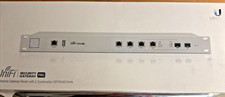
$170.00


 Reply With Quote